KhataOS/ThemesEvery pair meets WCAG 2.2 AA
Seven themes. Light and dark.
Each theme suits a different kind of user, and each comes in light and dark. Light, dark or Auto, the density and the text size are separate choices that work with every theme. Your choice is kept for you on your device, never in the company's books.
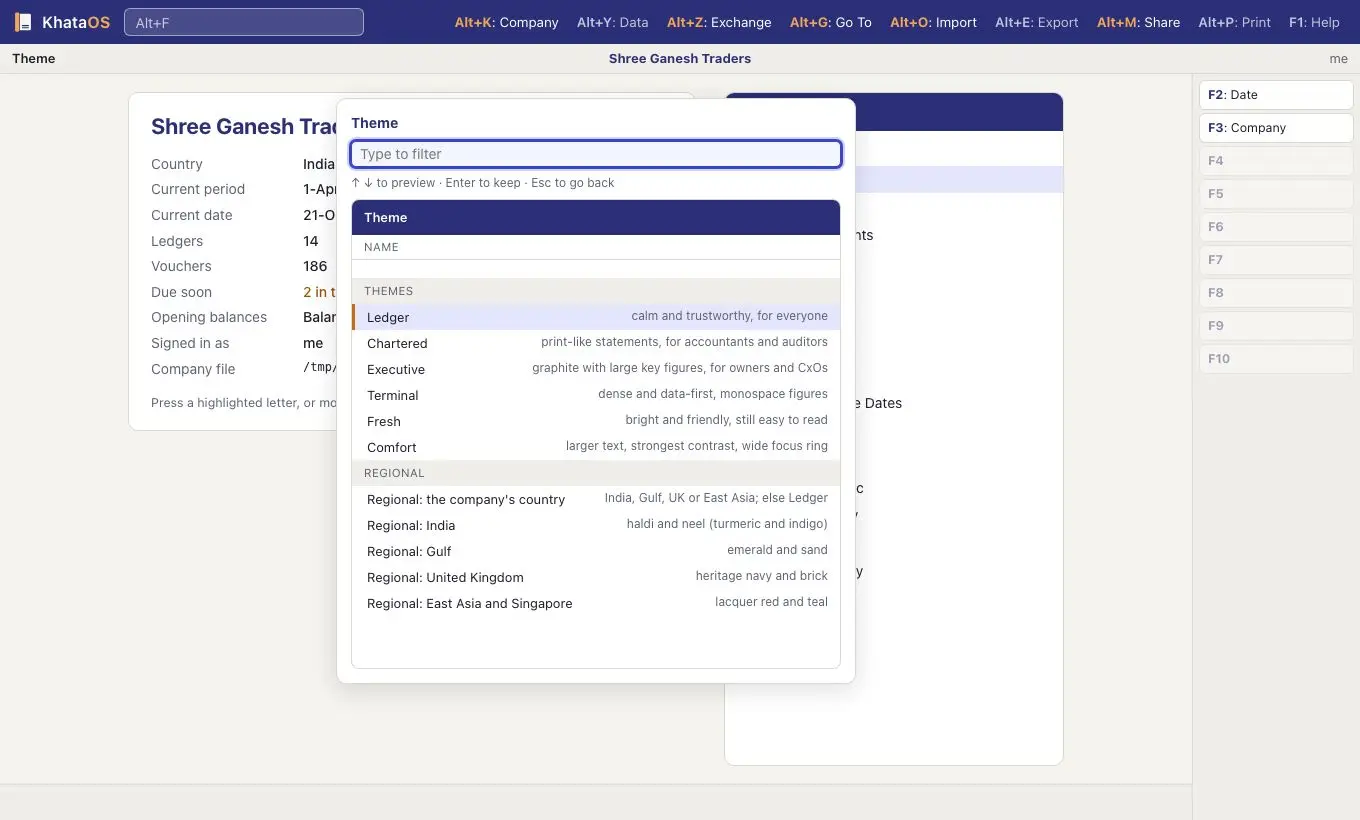
Change theme with Ctrl+K → Theme
- Press Ctrl+K and choose Theme.
- Move with ↑ ↓. The screen changes as you go.
- Enter keeps the theme. Esc puts the old one back.
Printed and PDF invoices aren't themed: they keep their own invoice design.
01/Ledger
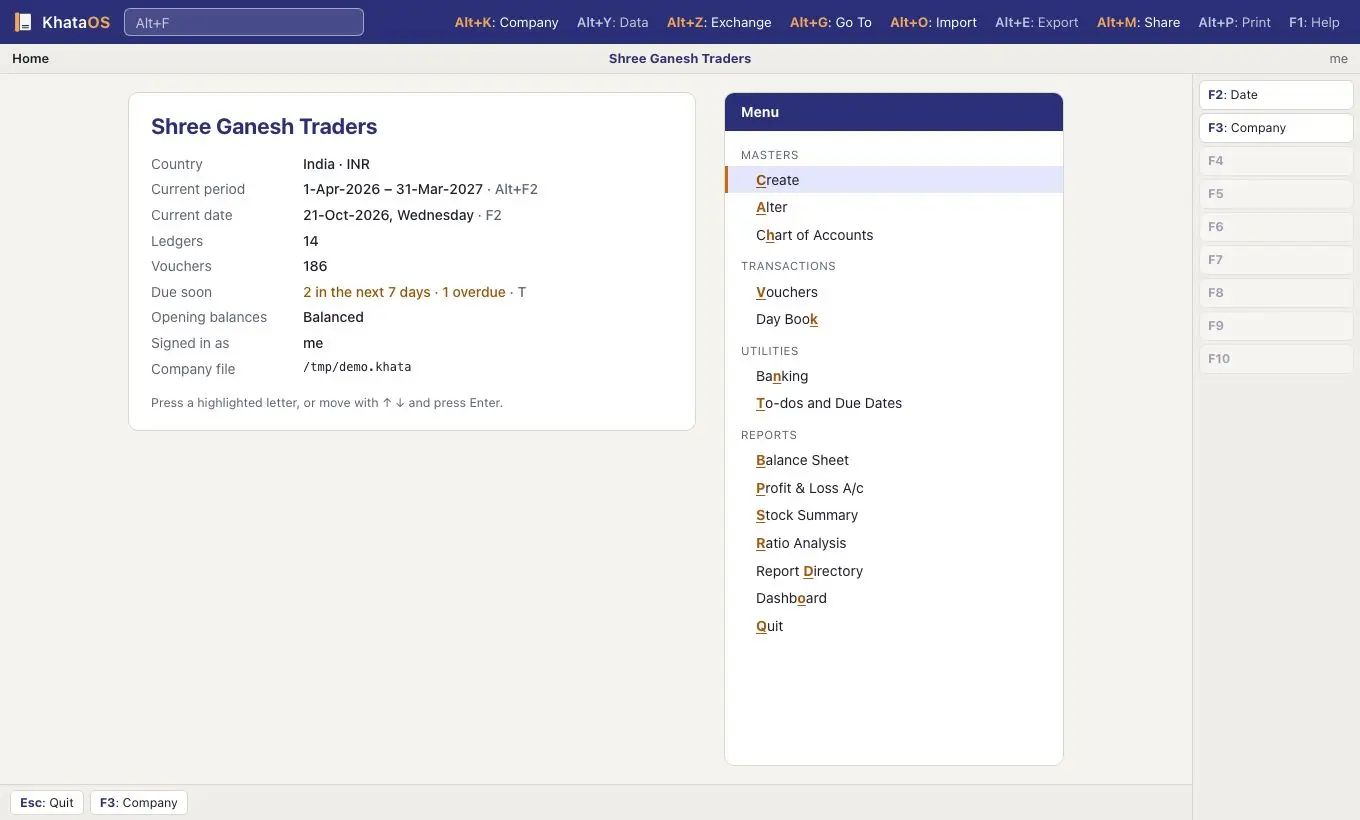
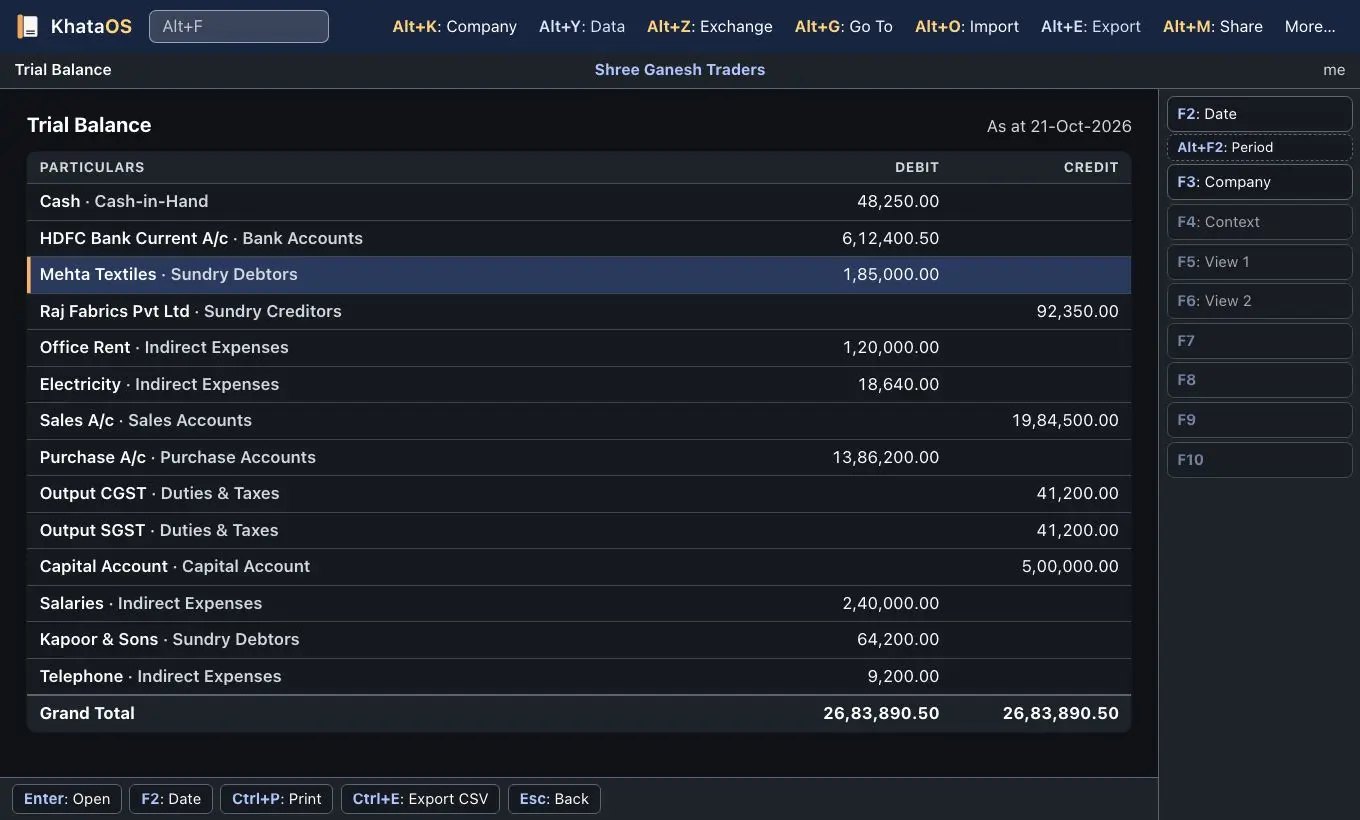
Ledger Default
For everyone
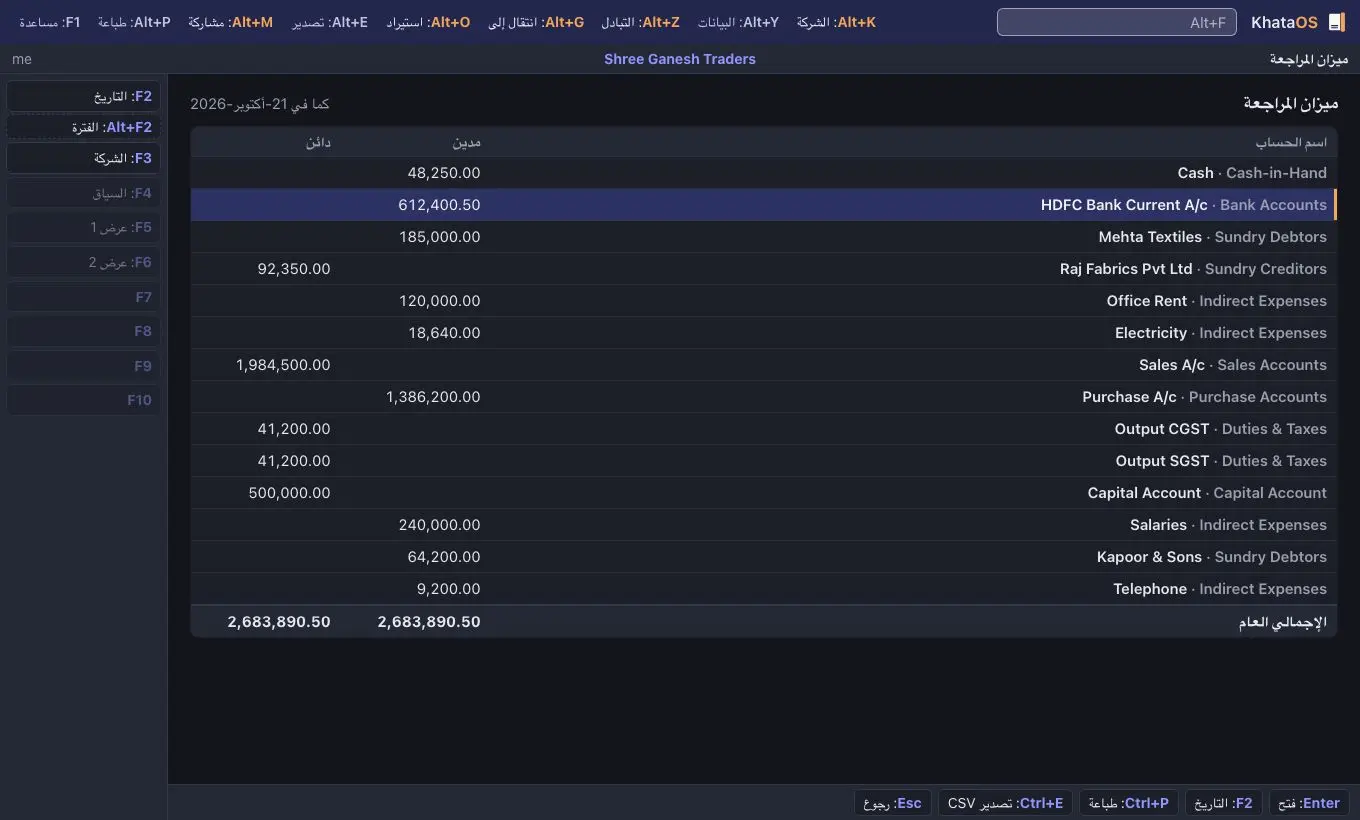
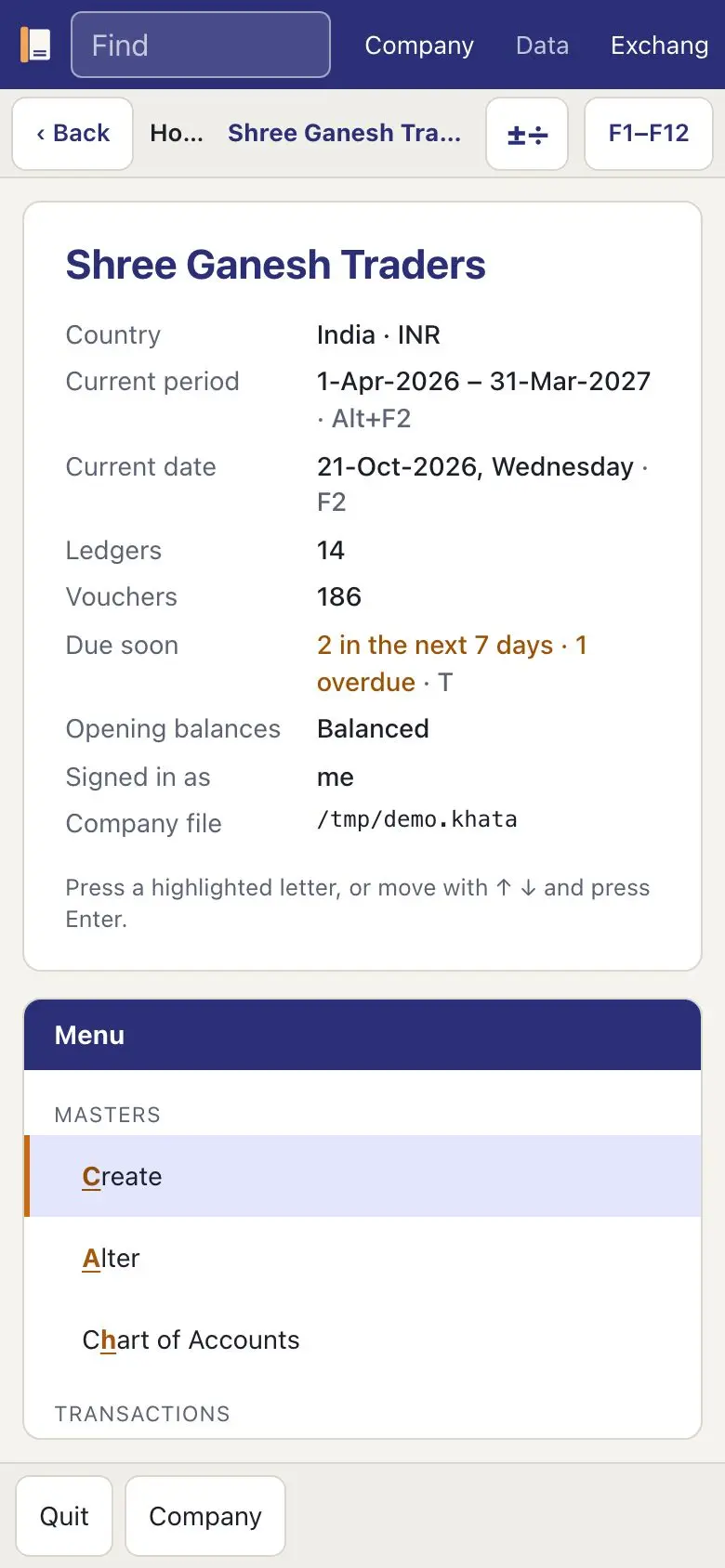
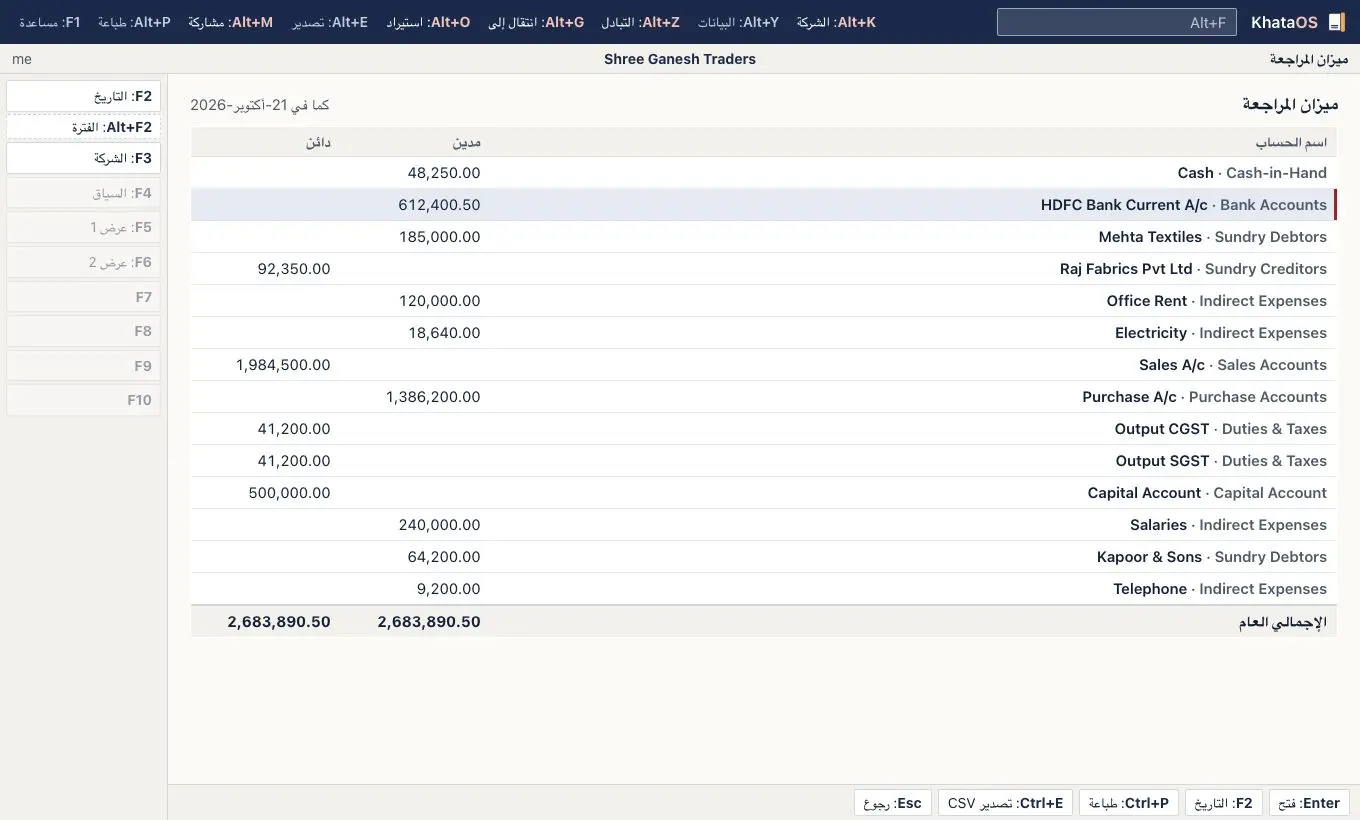
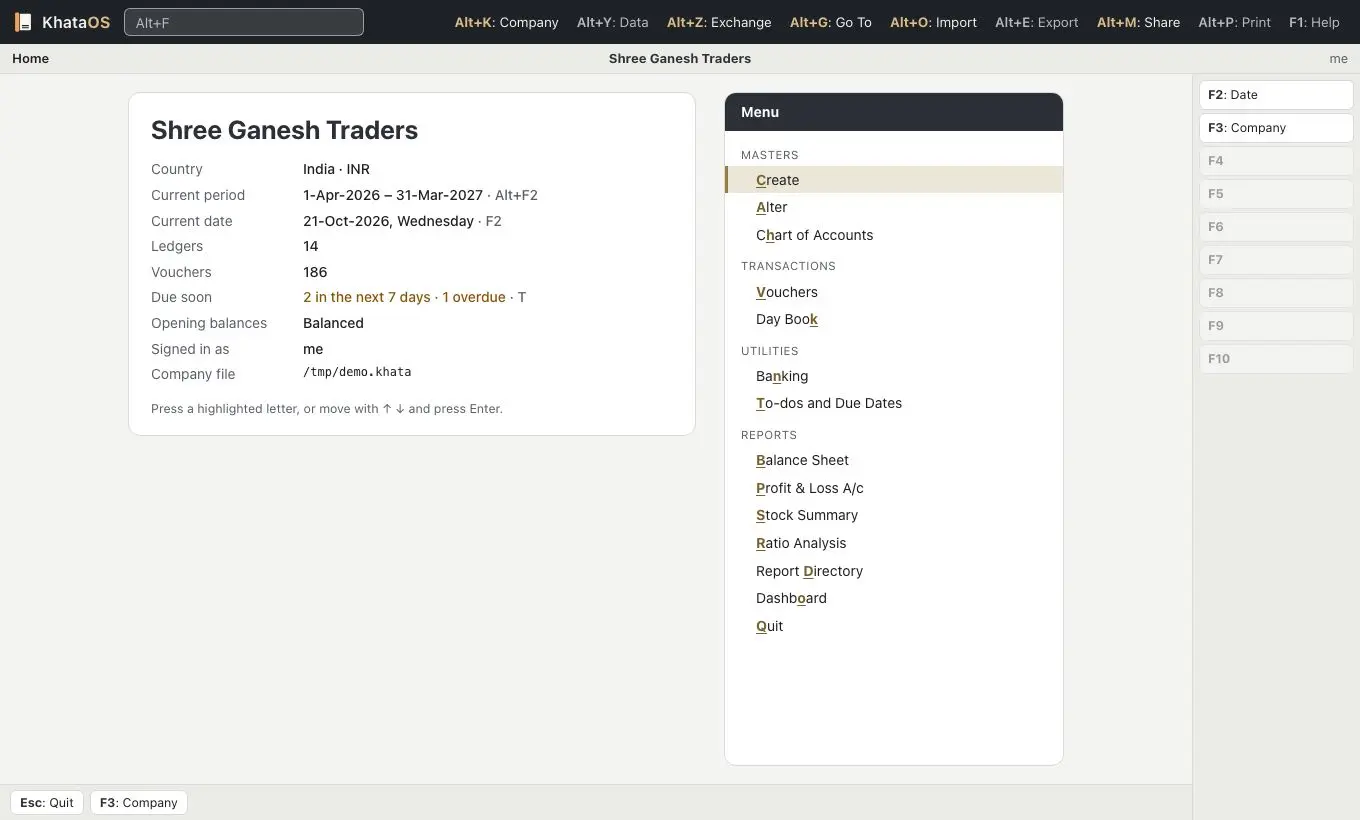
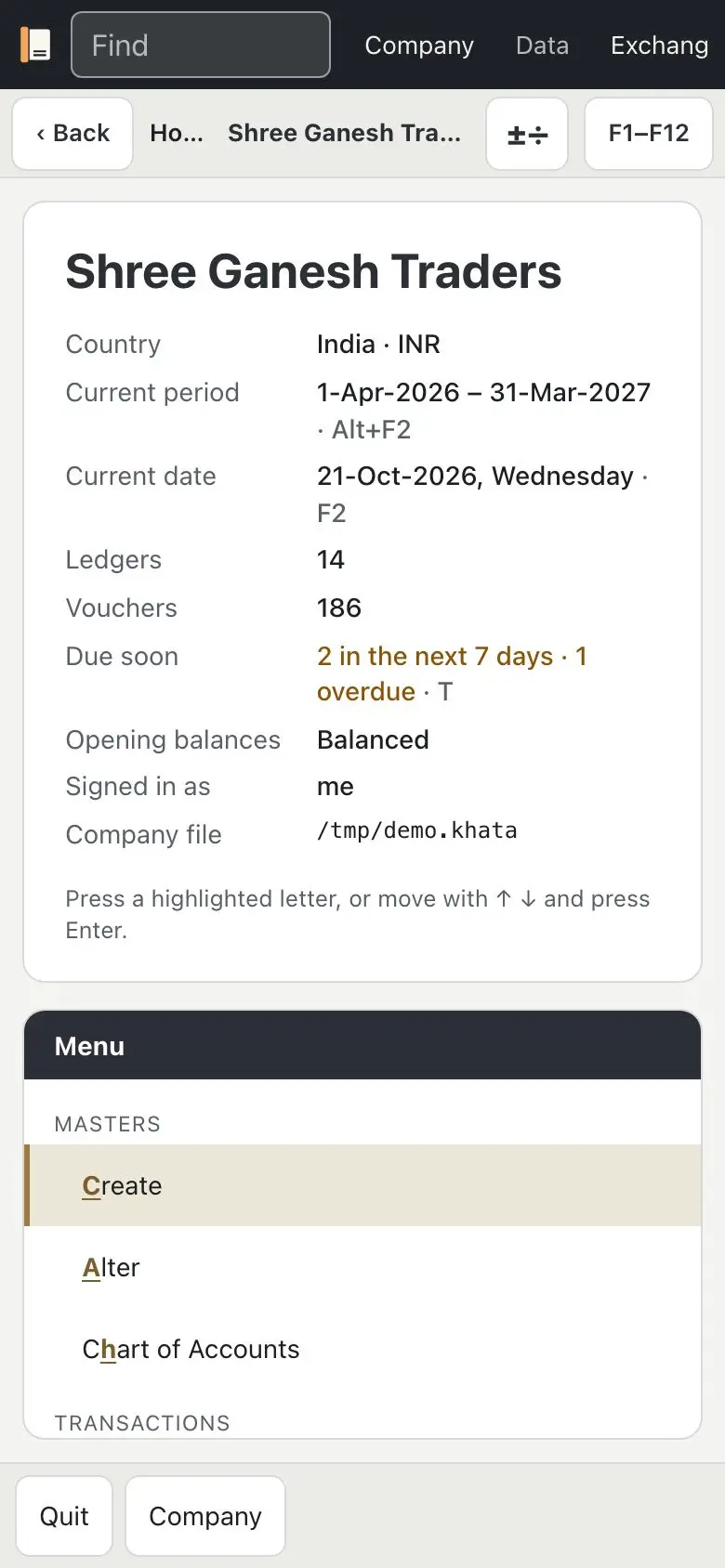
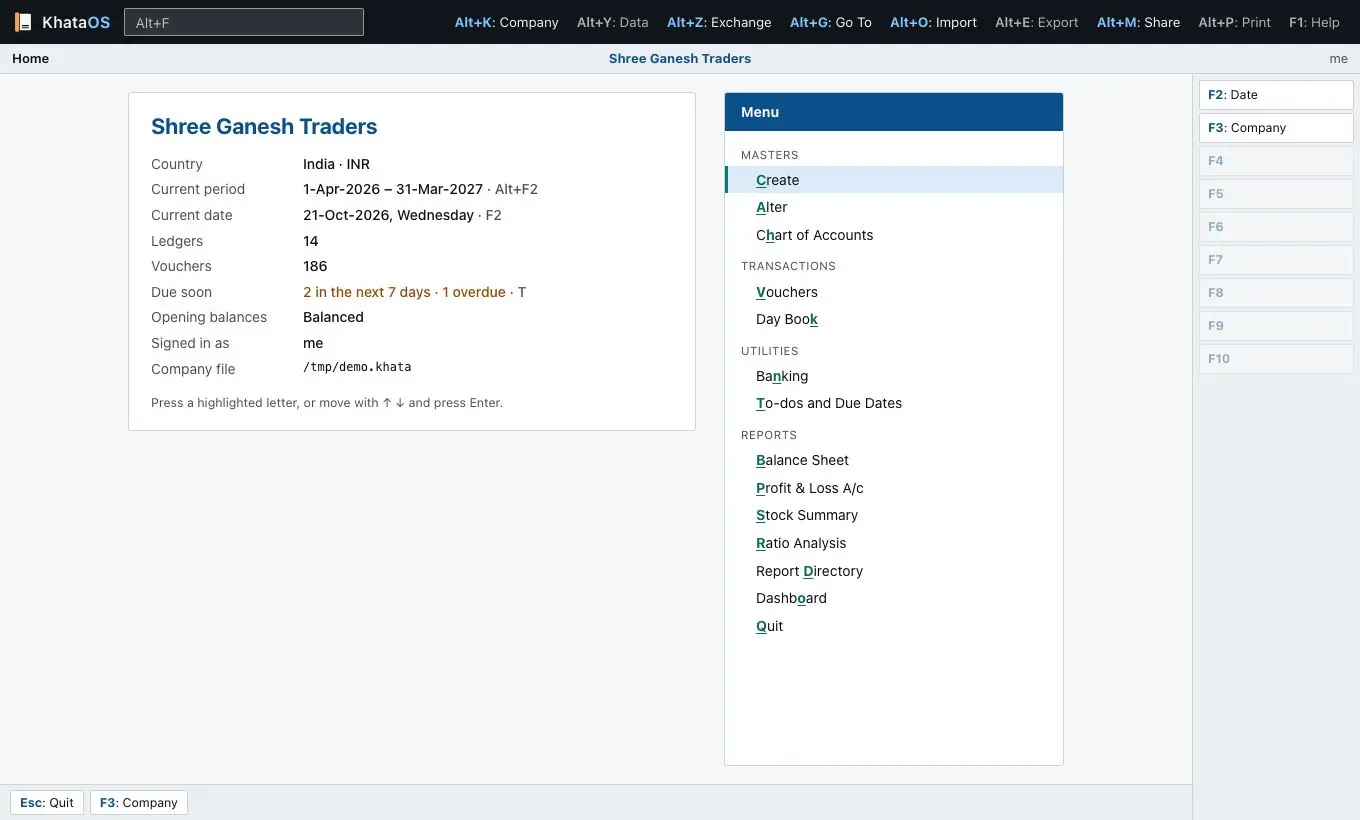
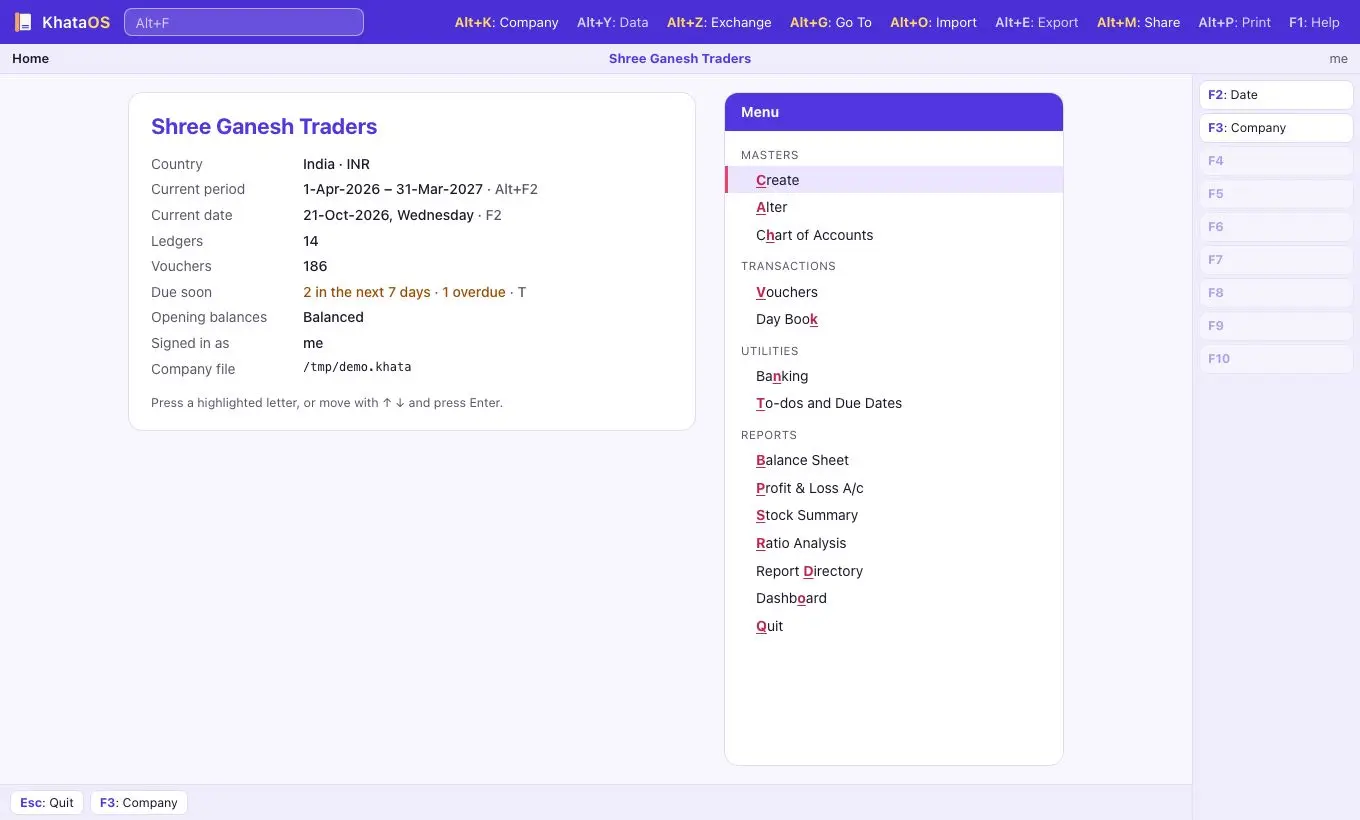
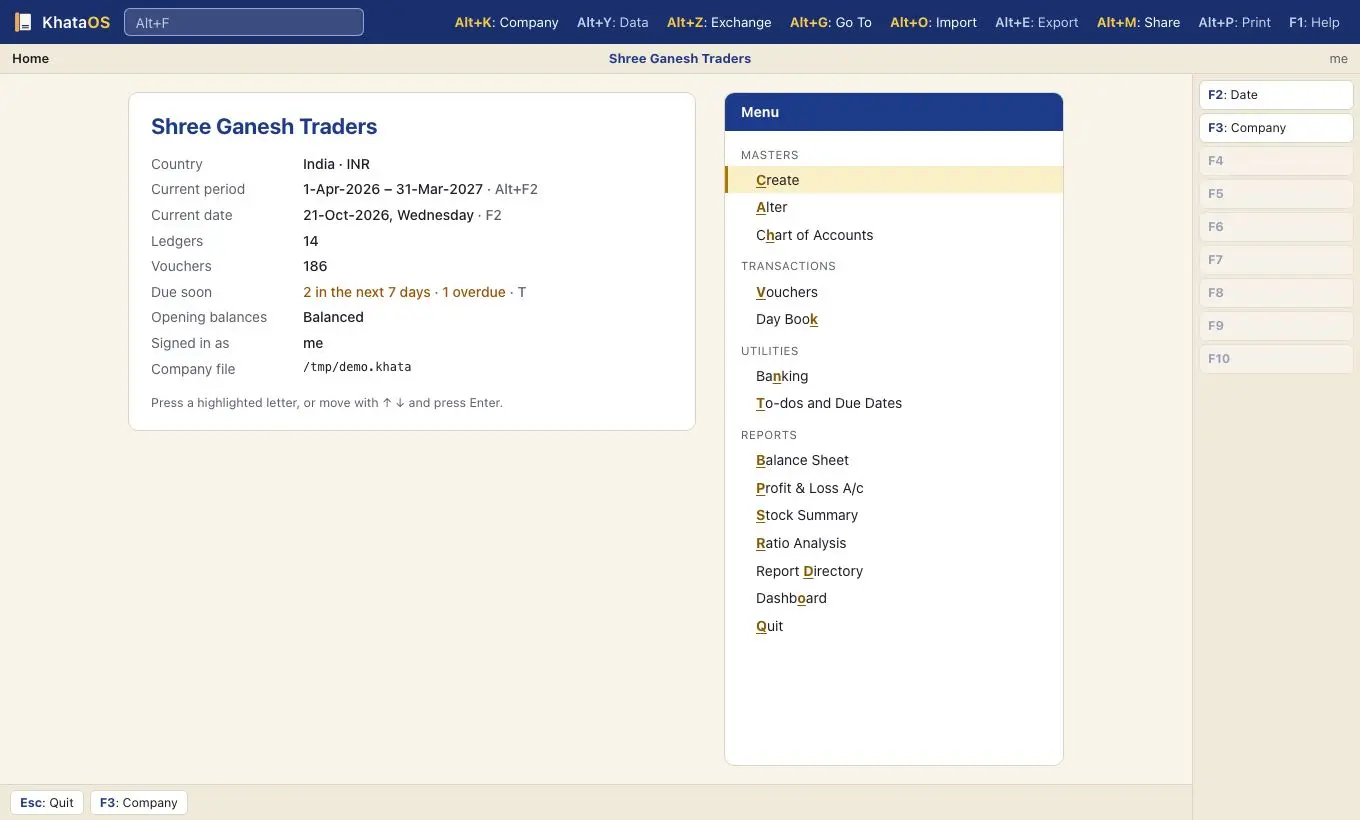
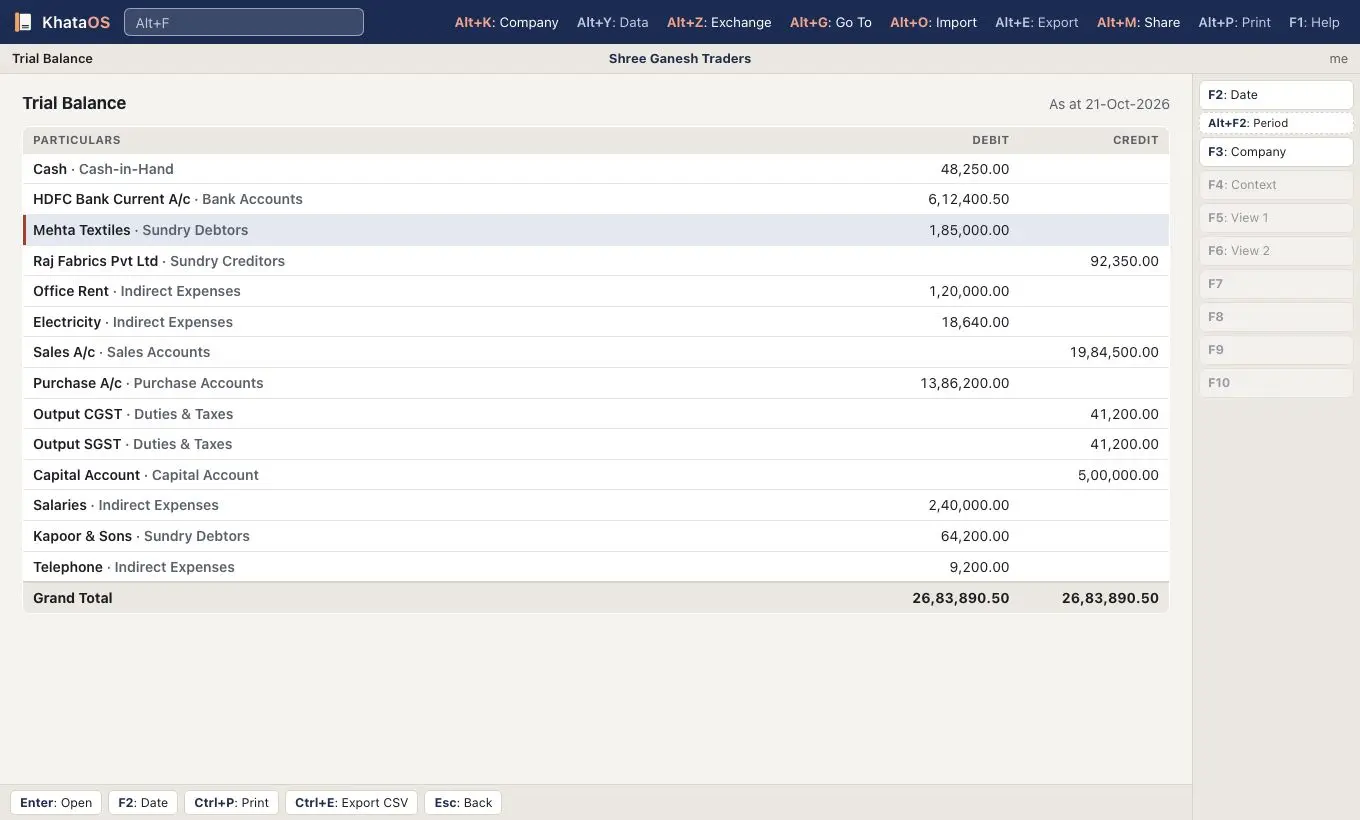
Calm and trustworthy. Ledger indigo for the top bar and titles, marigold for the spine, the cursor edge and the key letters, and warm paper behind white cards. It's the theme KhataOS starts with, in Auto mode.
02/Chartered
Chartered
For chartered accountants and auditors
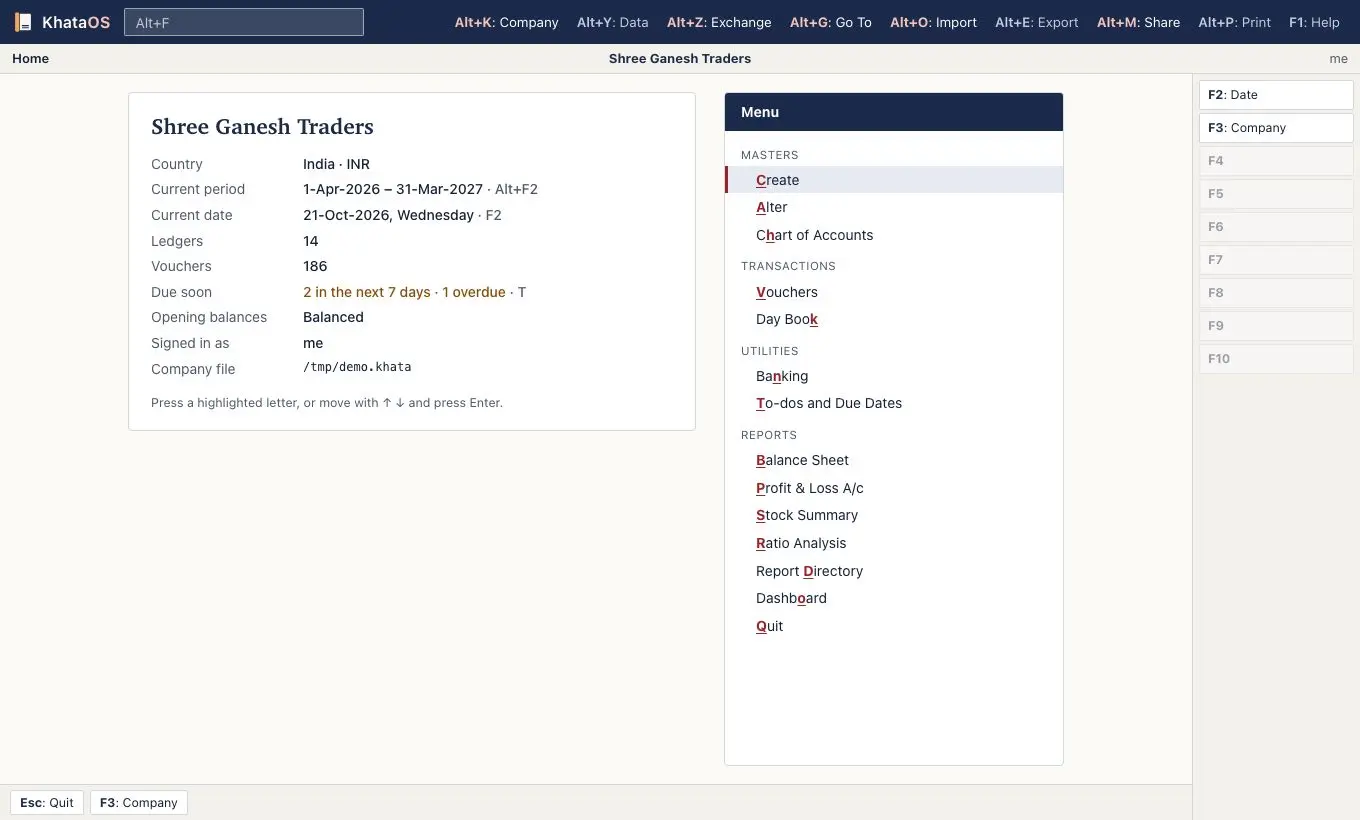
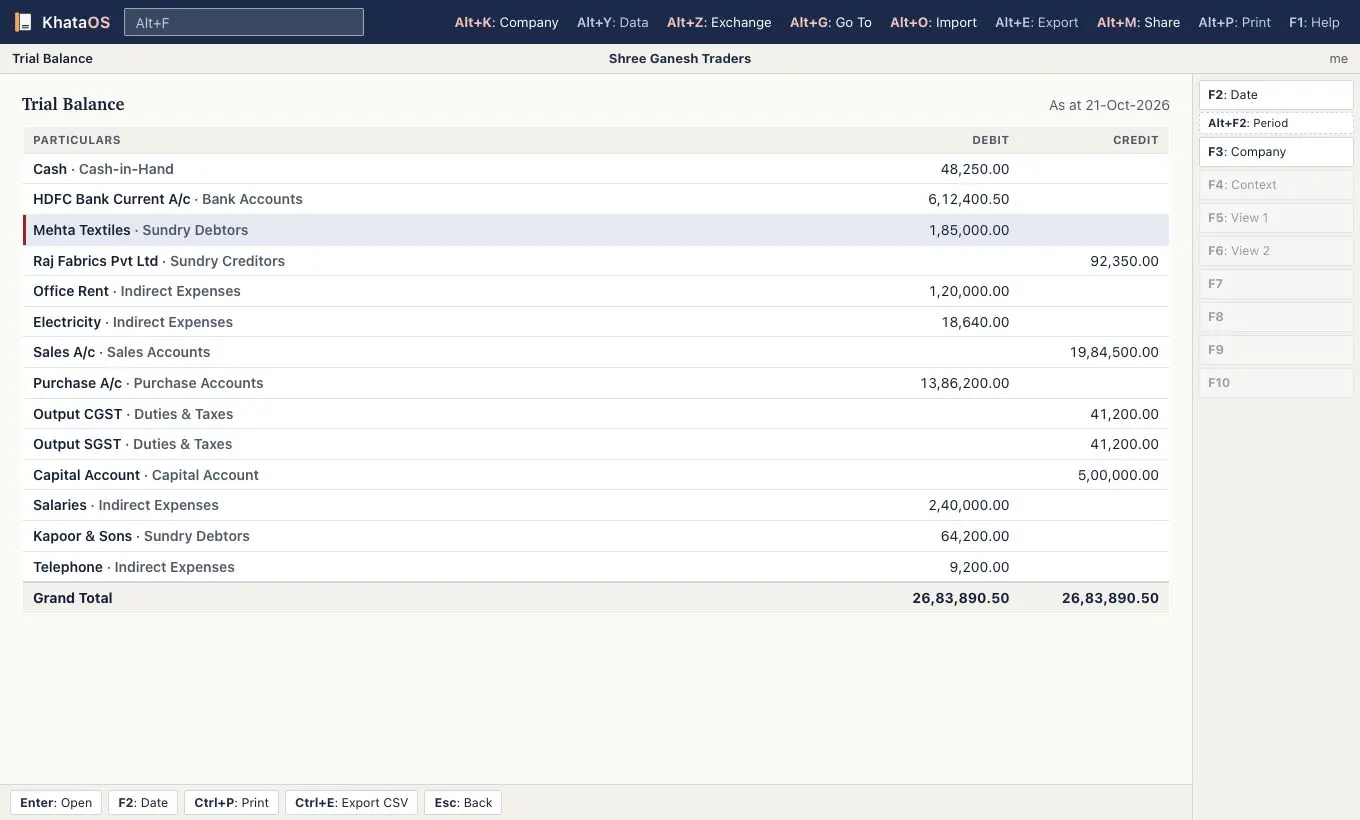
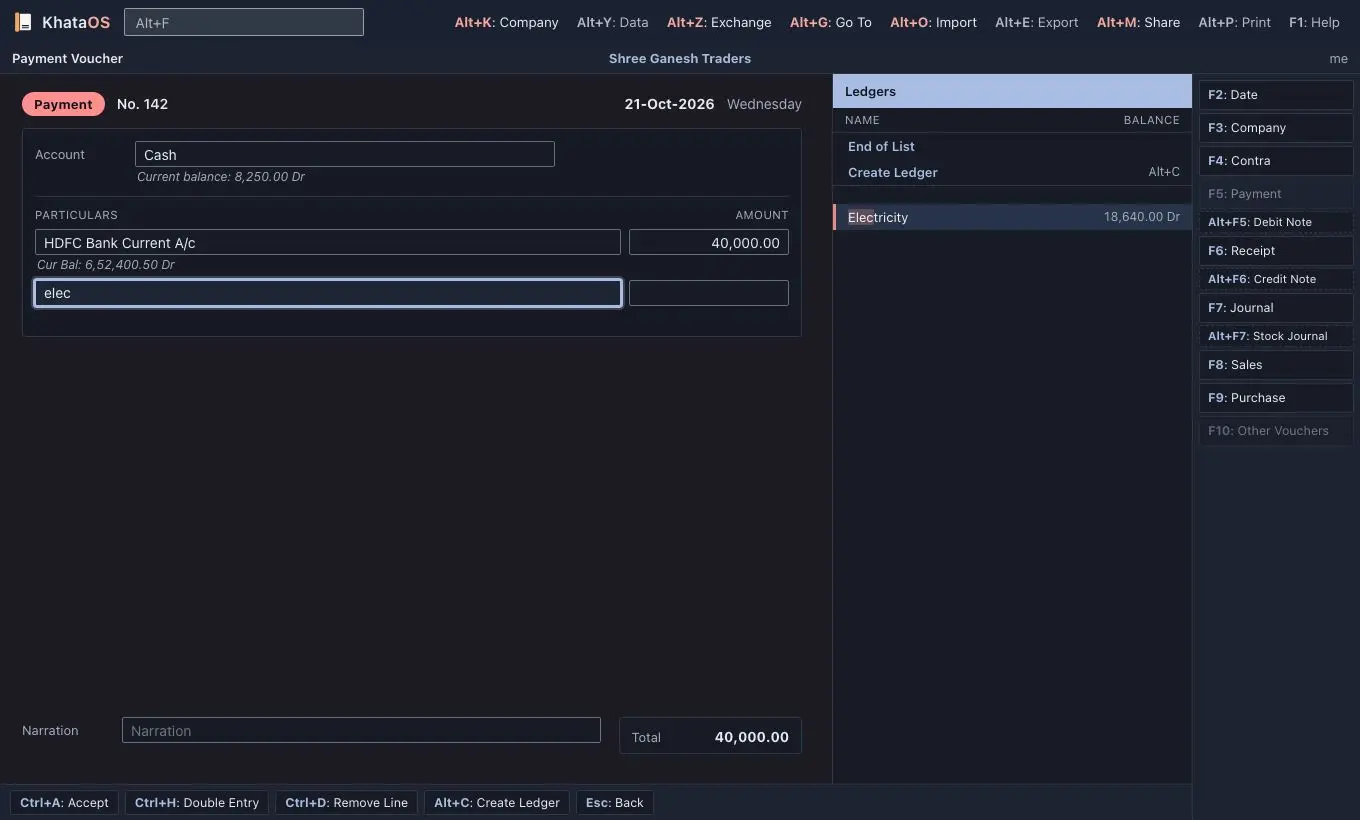
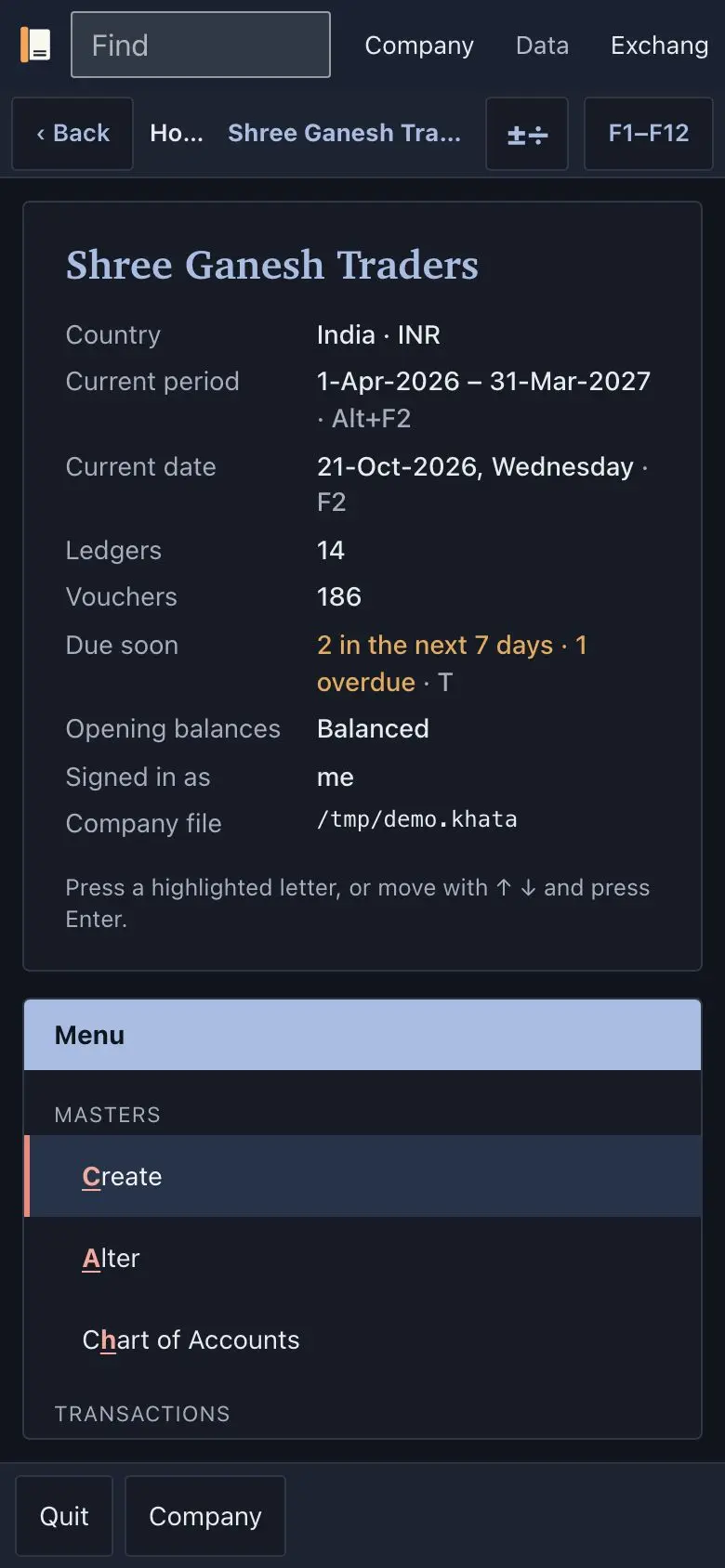
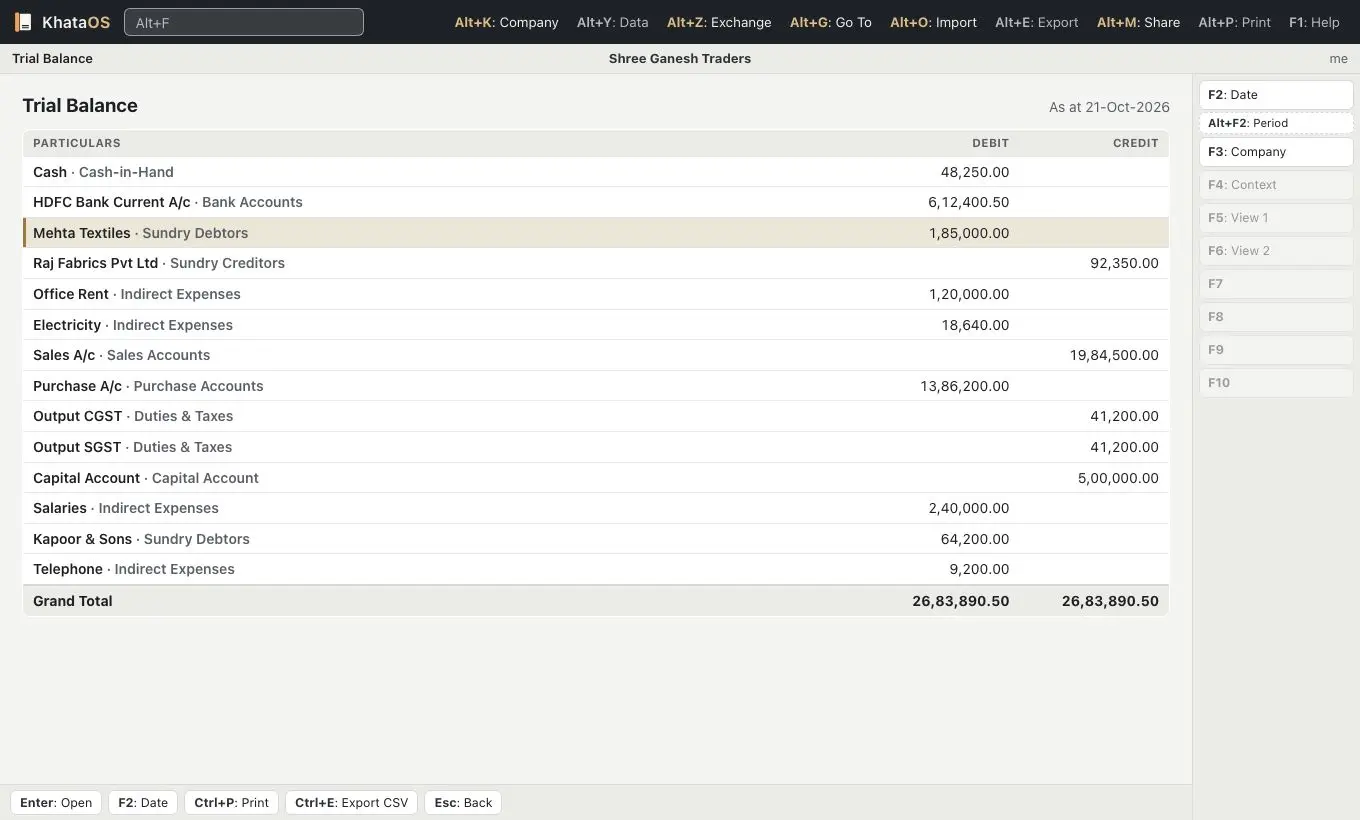
Like print. Paper white, navy ink, red ink for accents and negative figures, serif report titles, and square corners with hairline rules instead of shadows, so a Trial Balance on screen reads like a signed statement.
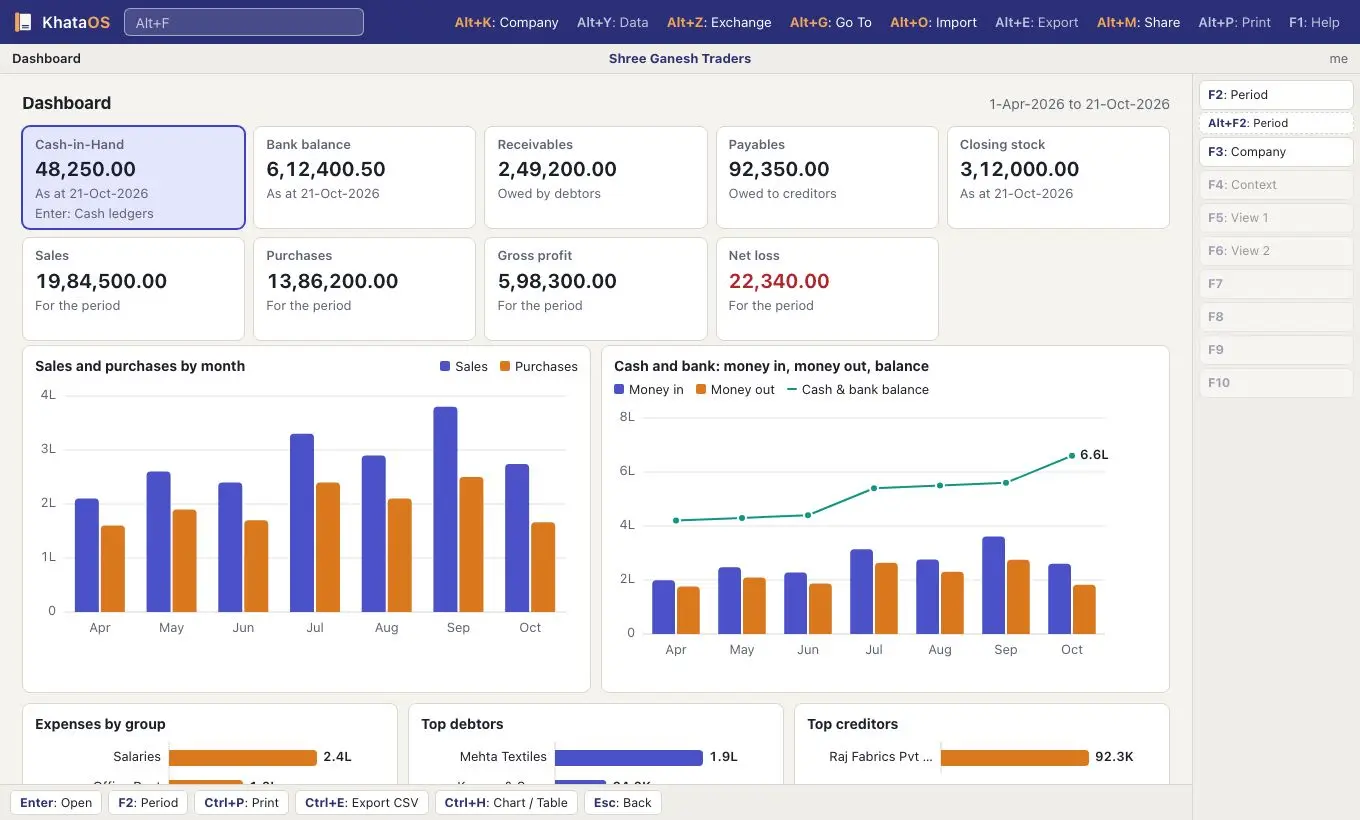
03/Executive
Executive
For owners, CxOs and directors
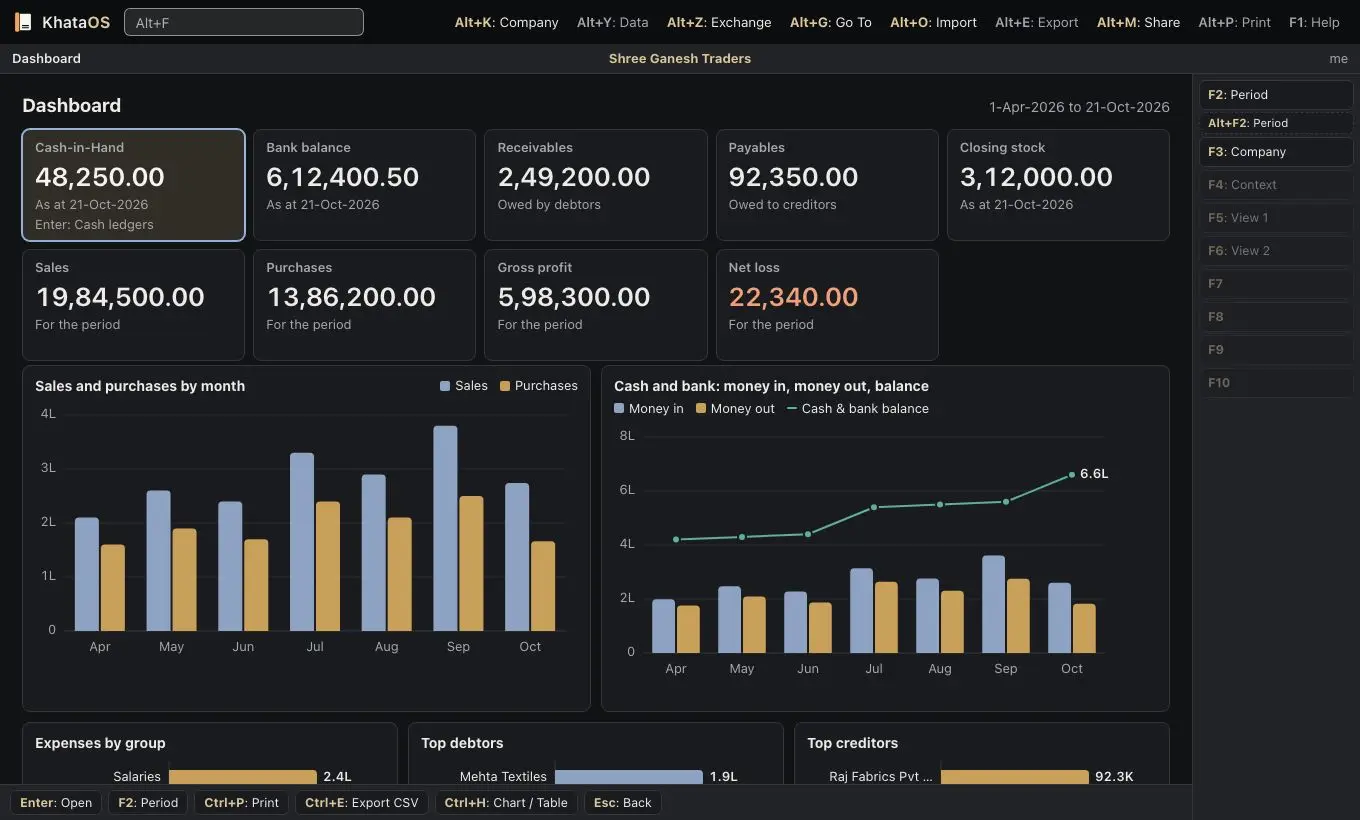
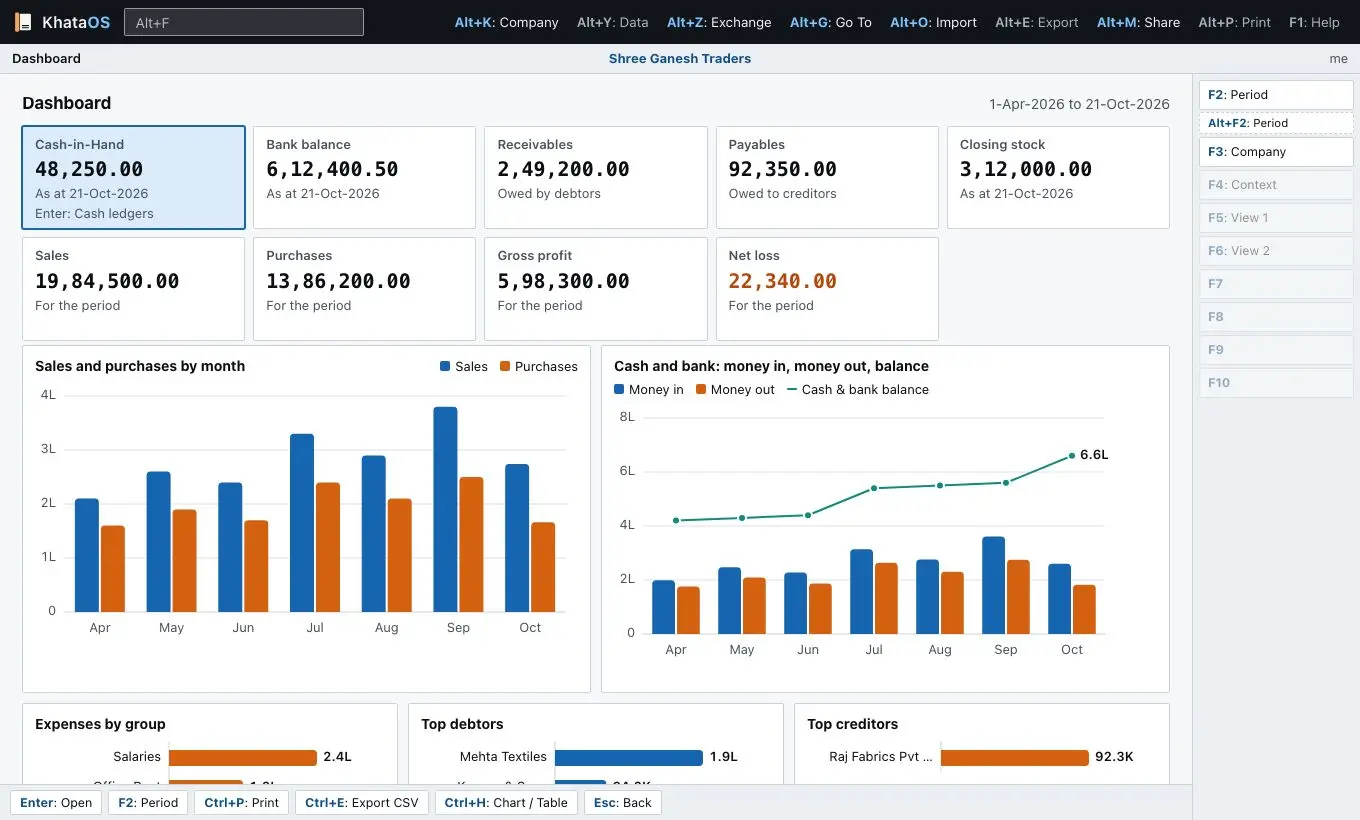
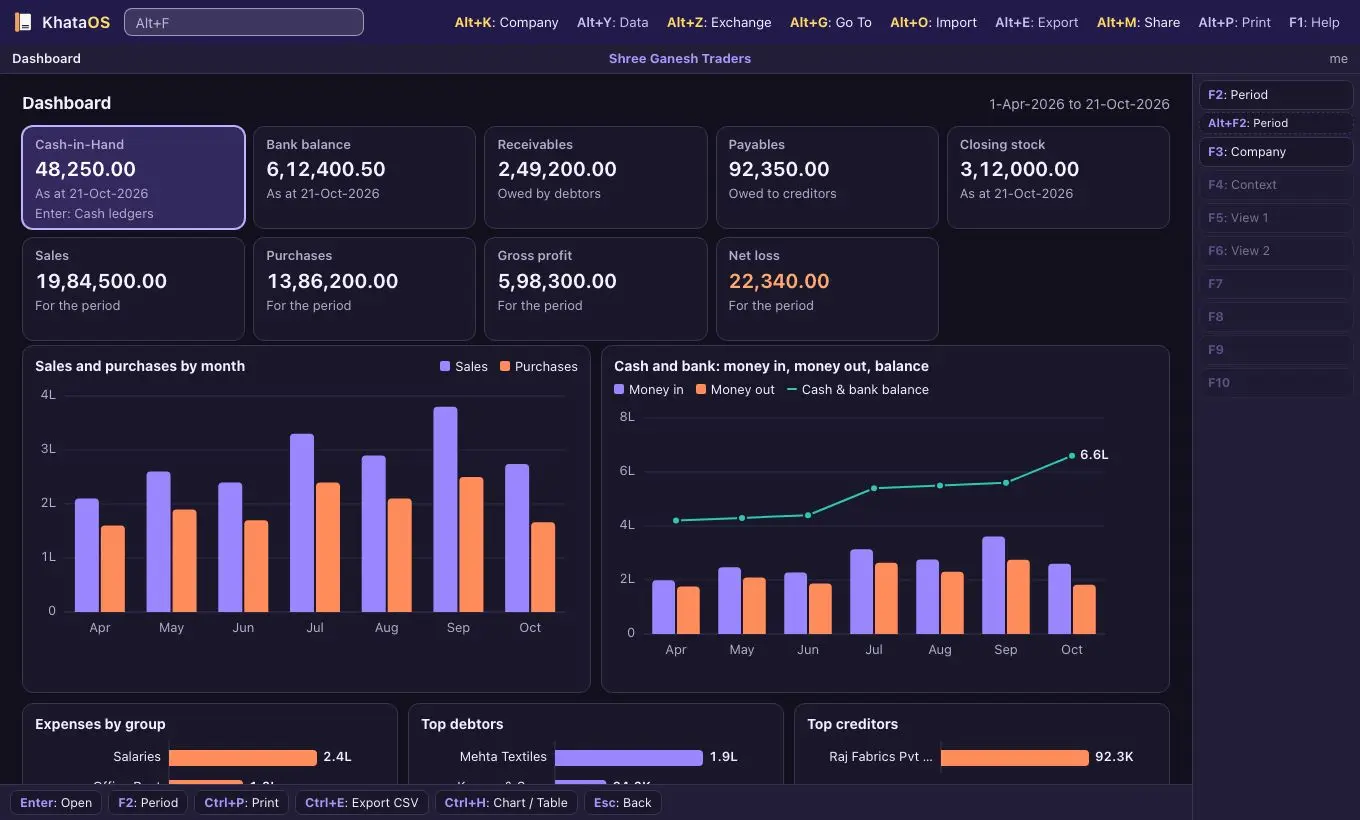
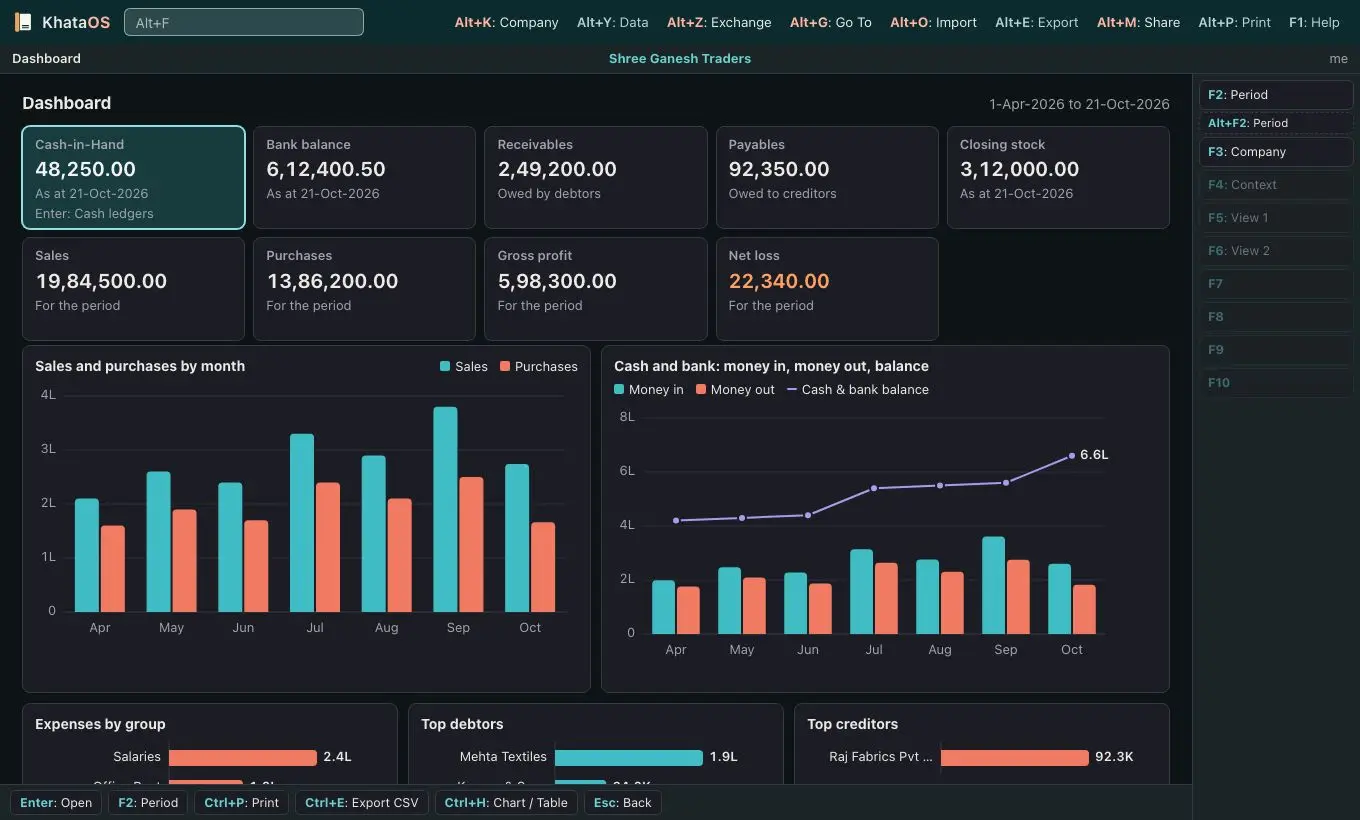
Refined graphite with a quiet champagne brass accent, and larger key figures on the Dashboard and in report titles. Less chrome, numbers first, and easy to read on a boardroom screen.
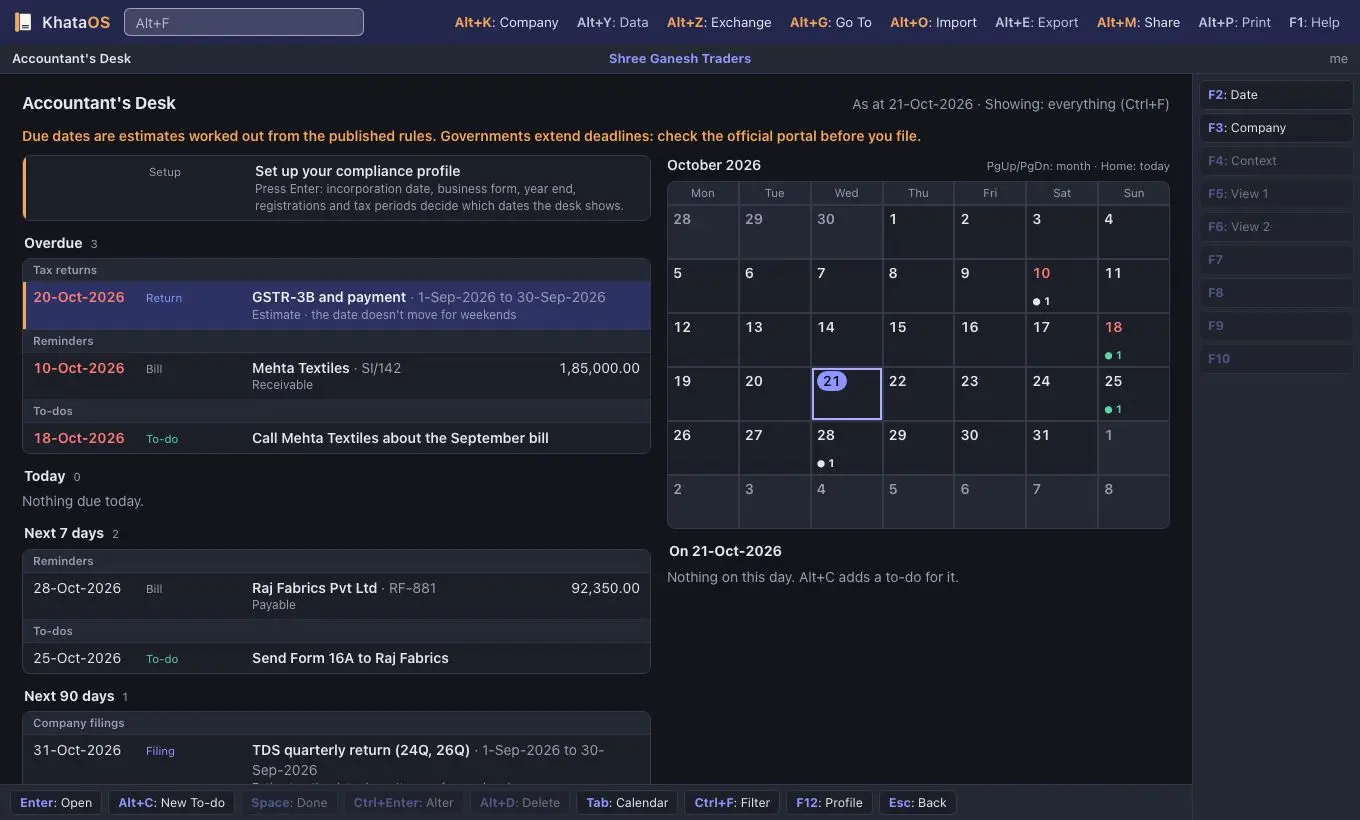
04/Terminal
Terminal
For finance and tech enthusiasts
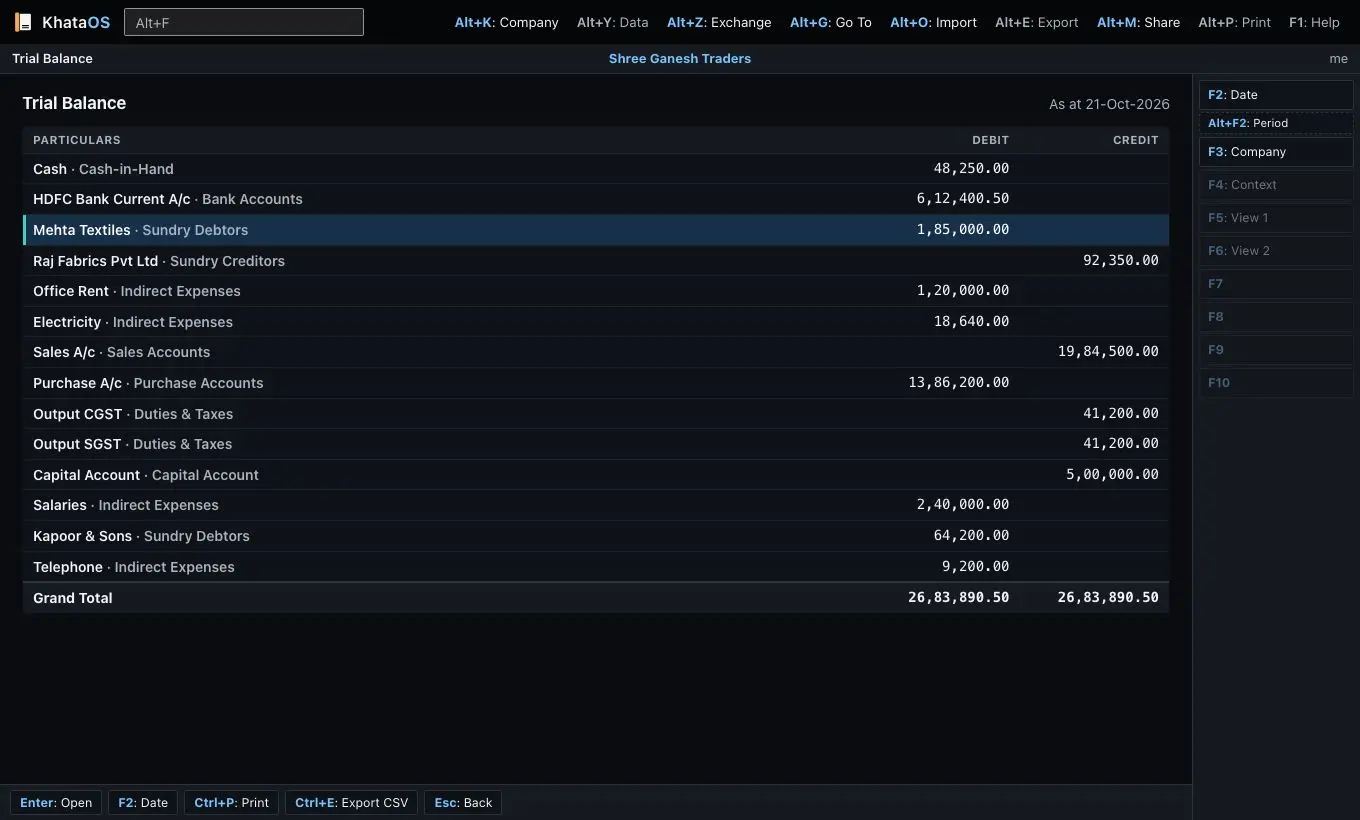
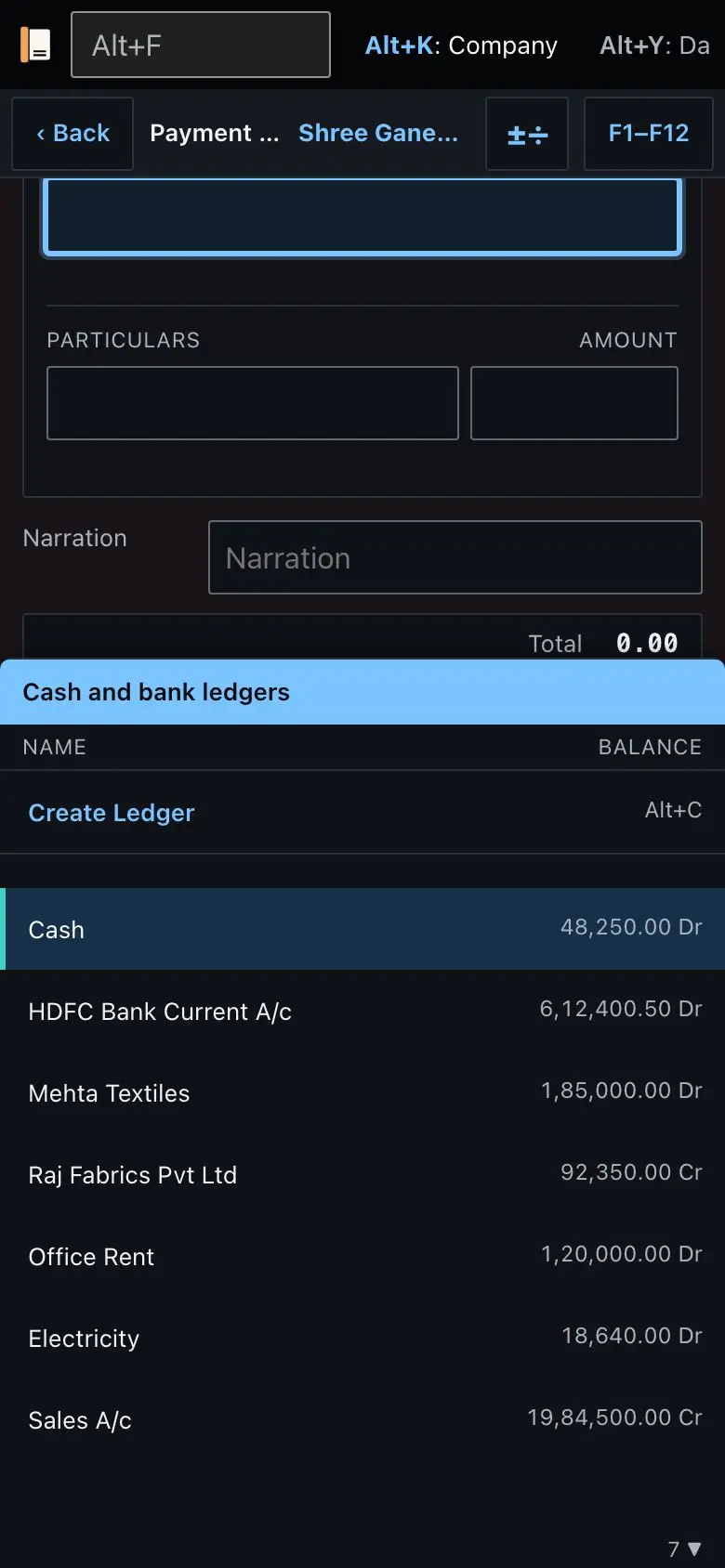
Dense, with the data first. Monospace figures line up digit for digit, corners are square, dark mode is near black with high contrast ink, and up is blue while down is orange. It pairs well with Compact density.
05/Fresh
Fresh
For young people and first businesses
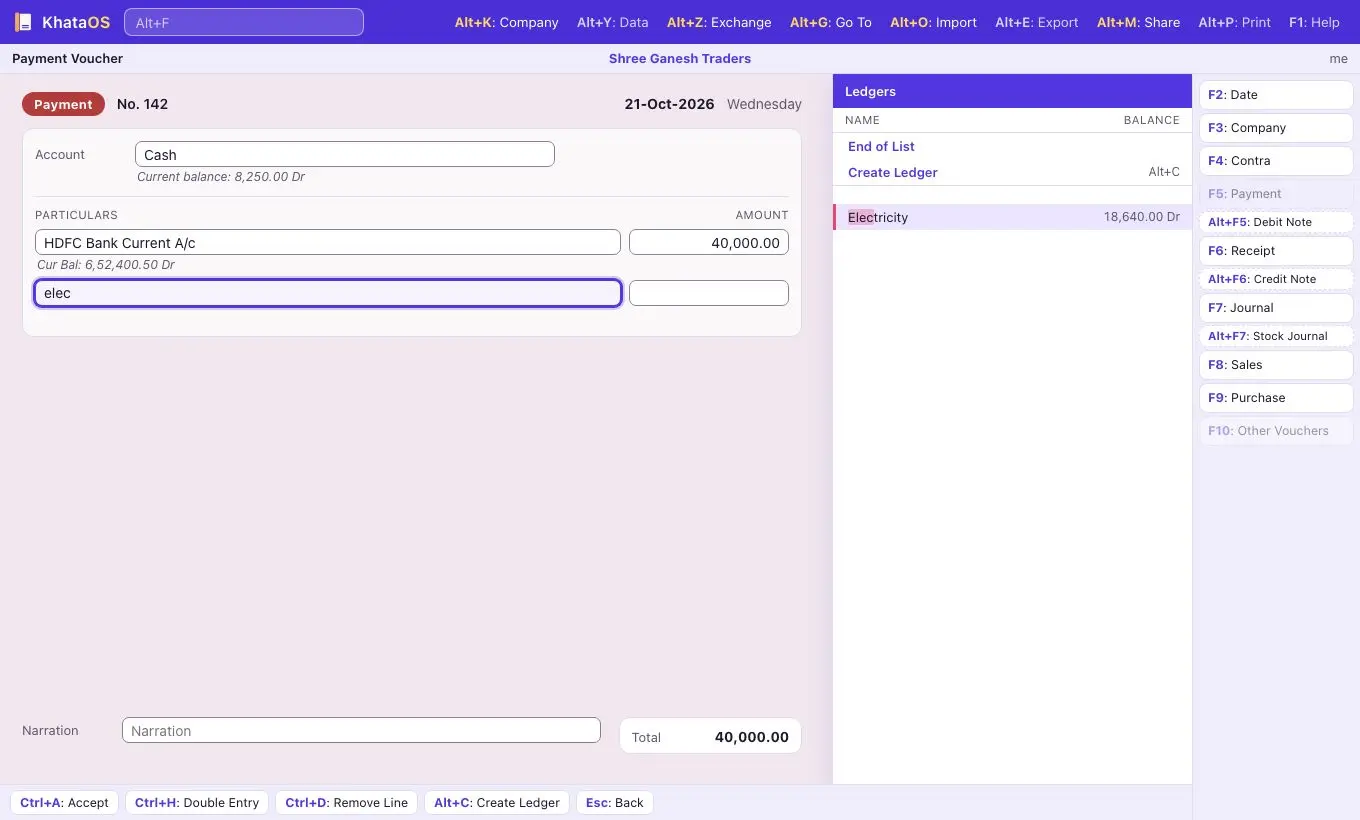
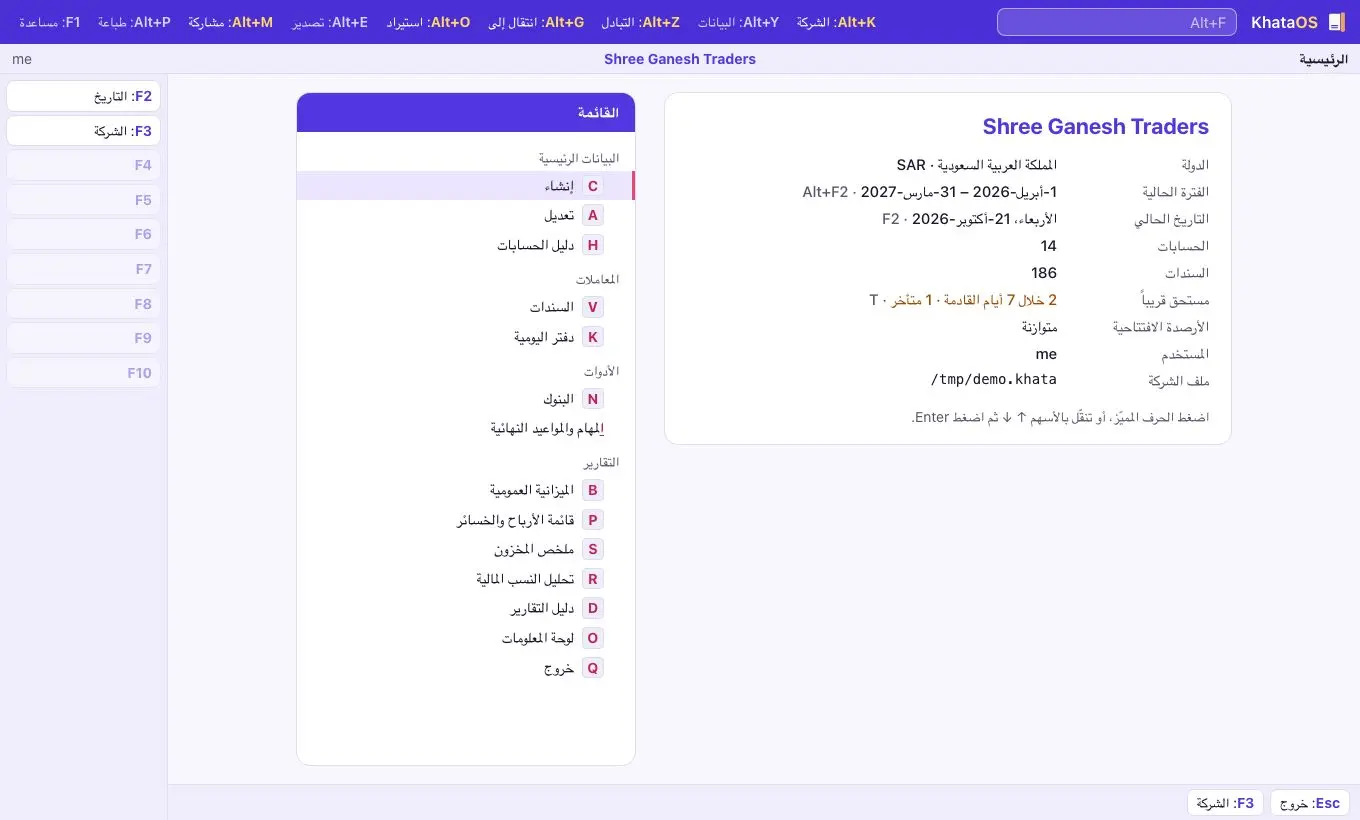
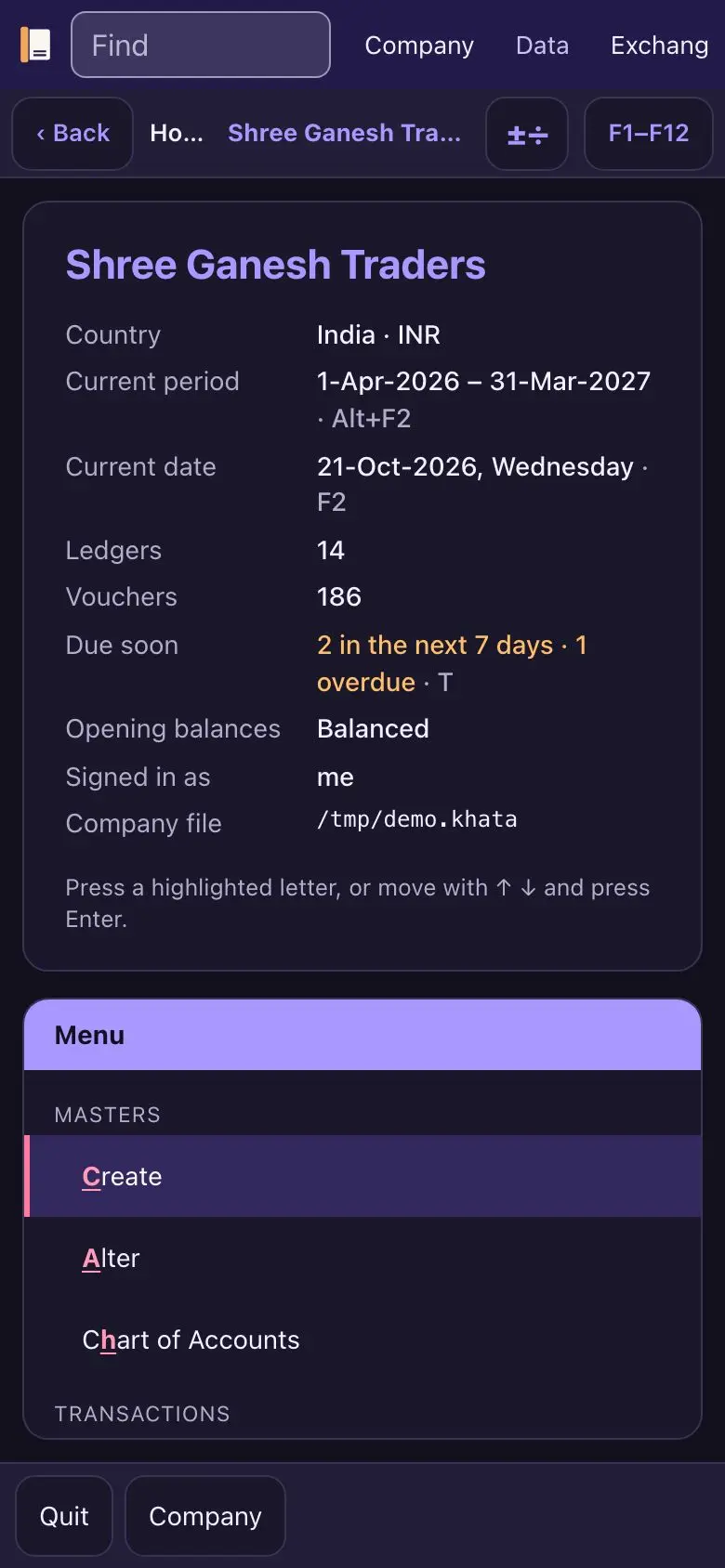
Vibrant violet with a coral accent and softer, rounder corners, yet every colour pair still meets AA and nothing glows. Friendly for a first business or a side hustle, and professional enough to show a client.
06/Comfort
Comfort
For older users, low vision and long days
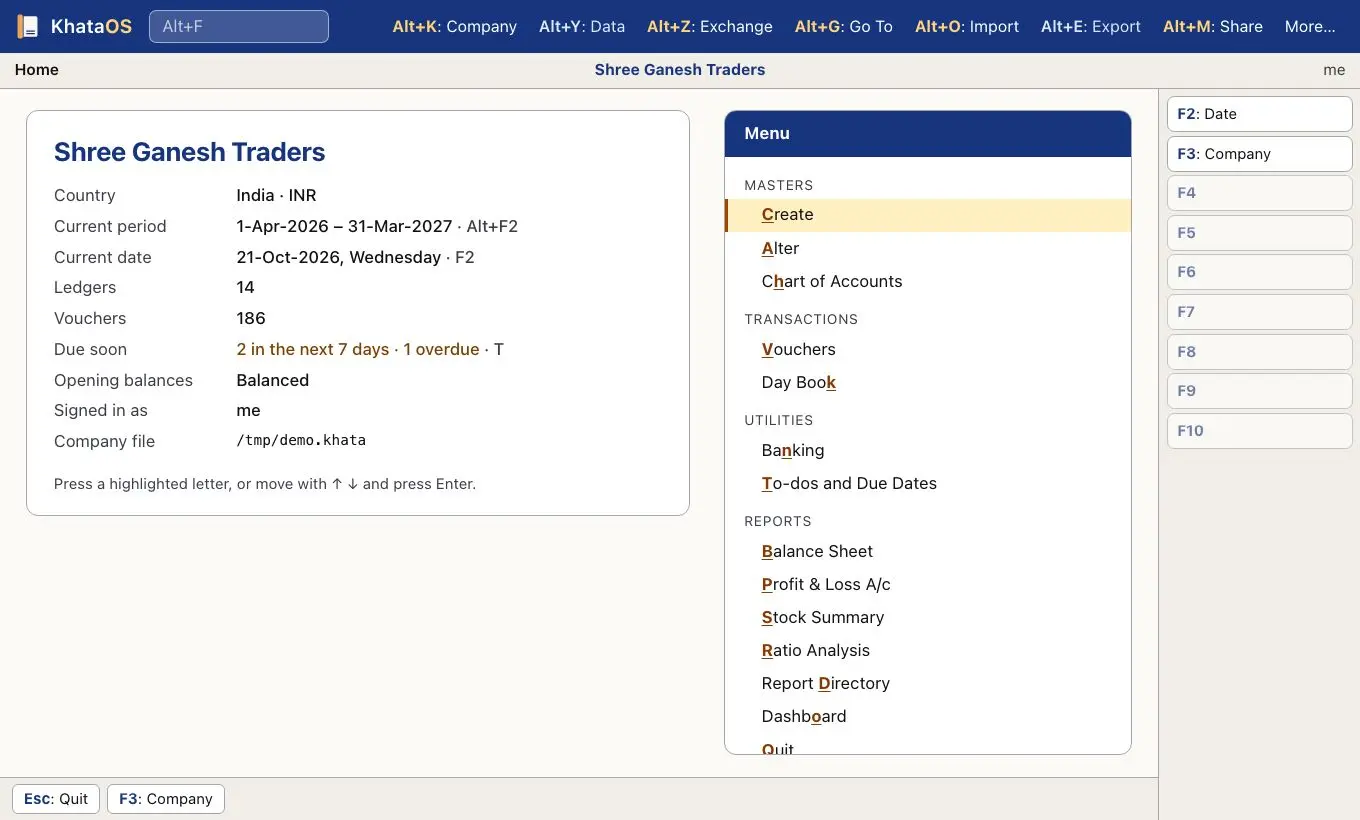
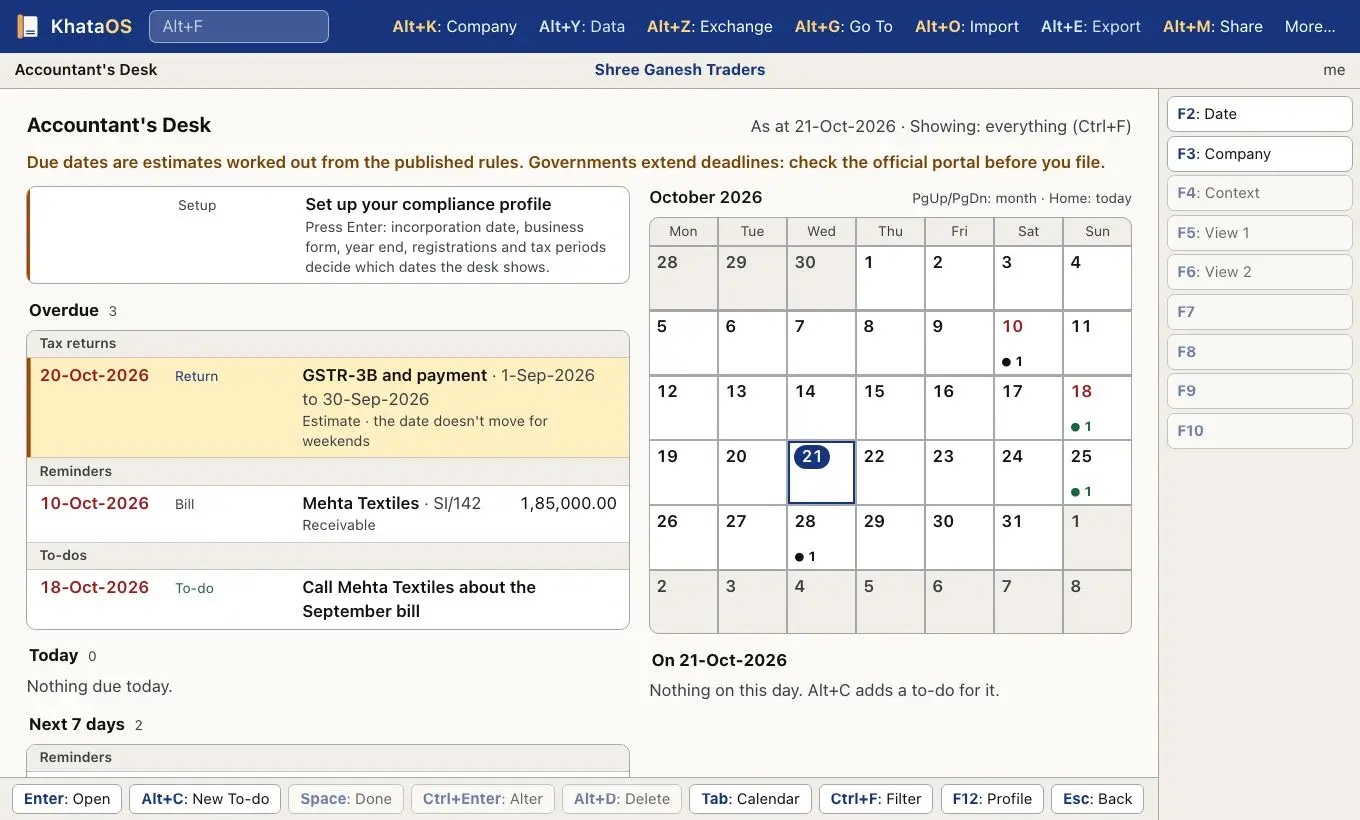
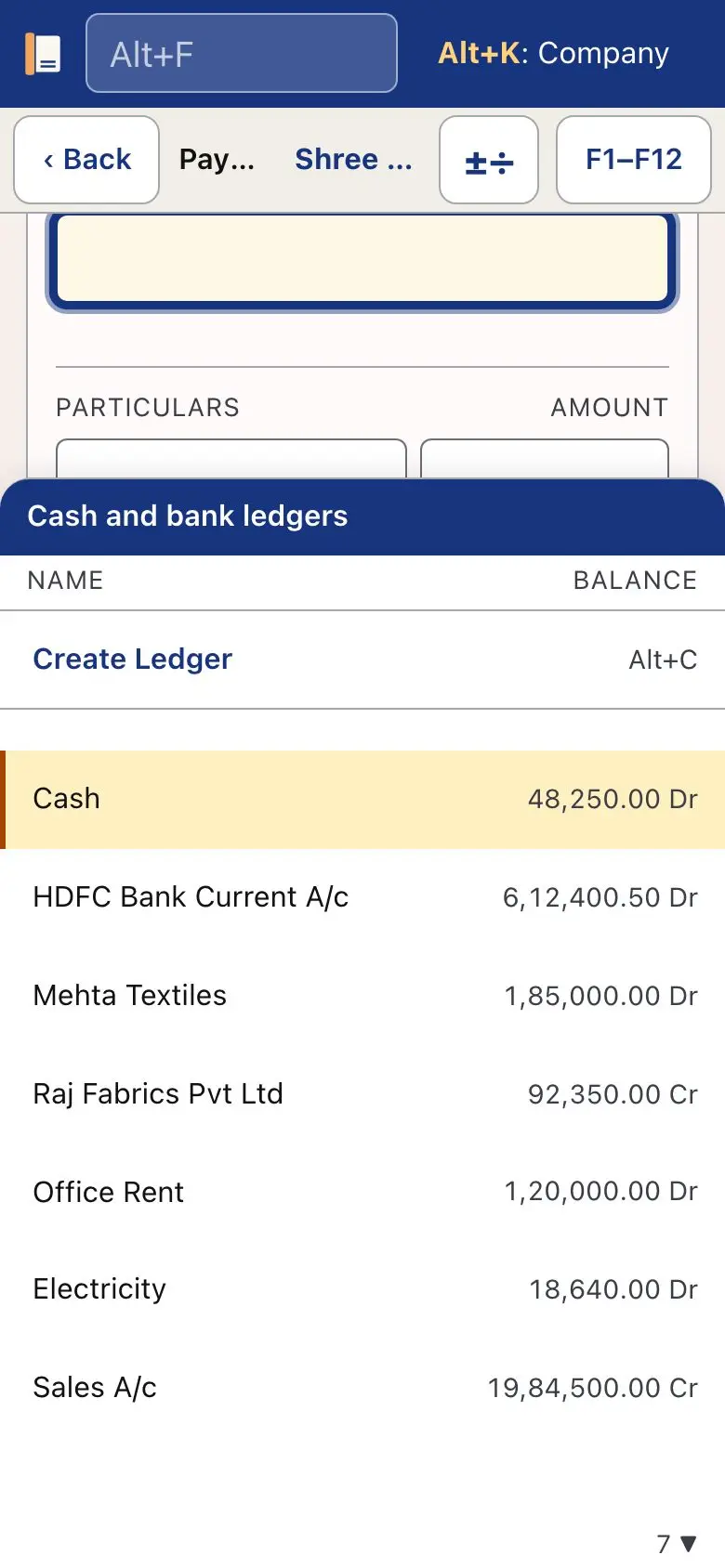
Accessibility first. Text, rows and click targets are 20% larger, on top of your own text size. Body and secondary text meet AAA contrast (7:1), field borders are solid, the focus ring is 3 px wide, and the cursor row is a pale yellow that is easy to follow.
07/Regional
Regional
For companies in India, the Gulf, the UK, and East Asia with Singapore
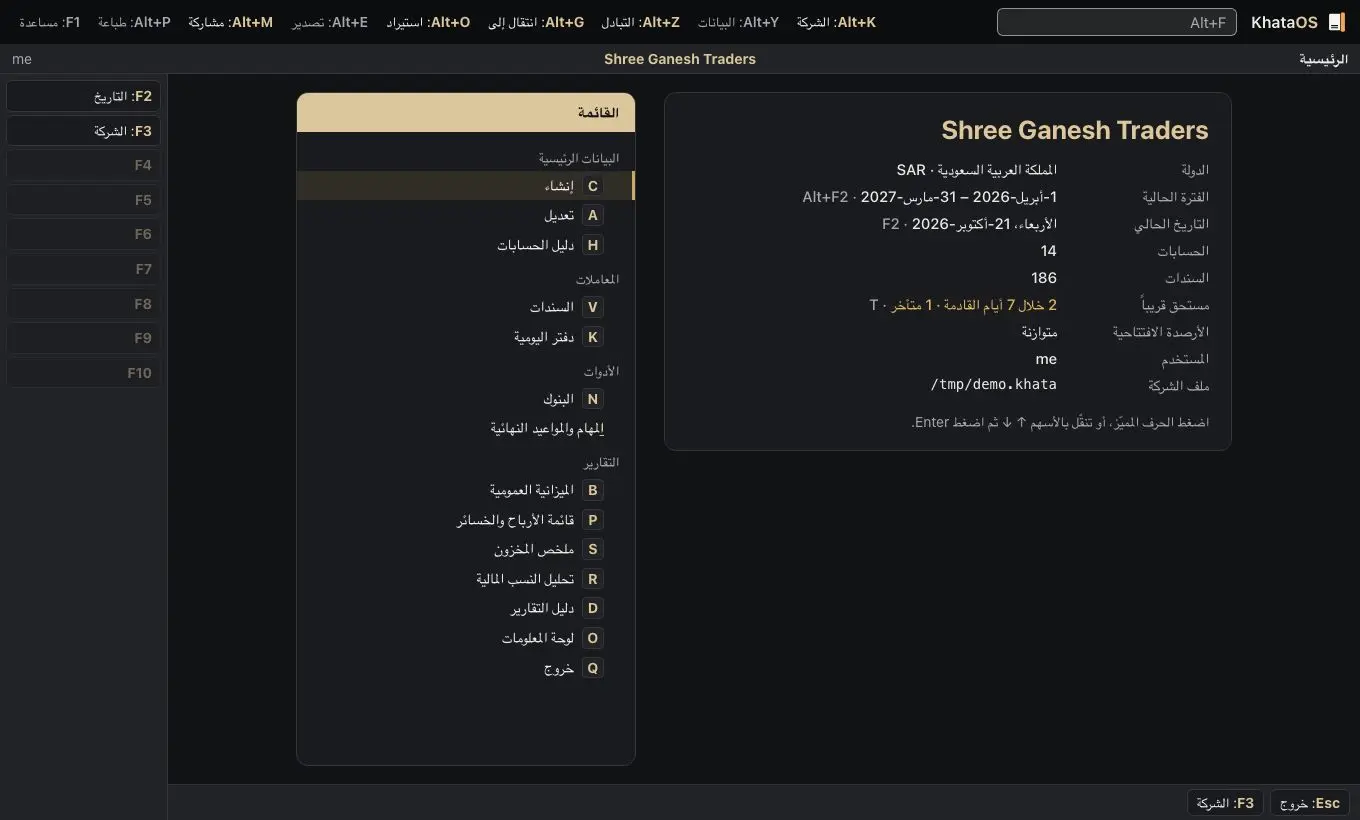
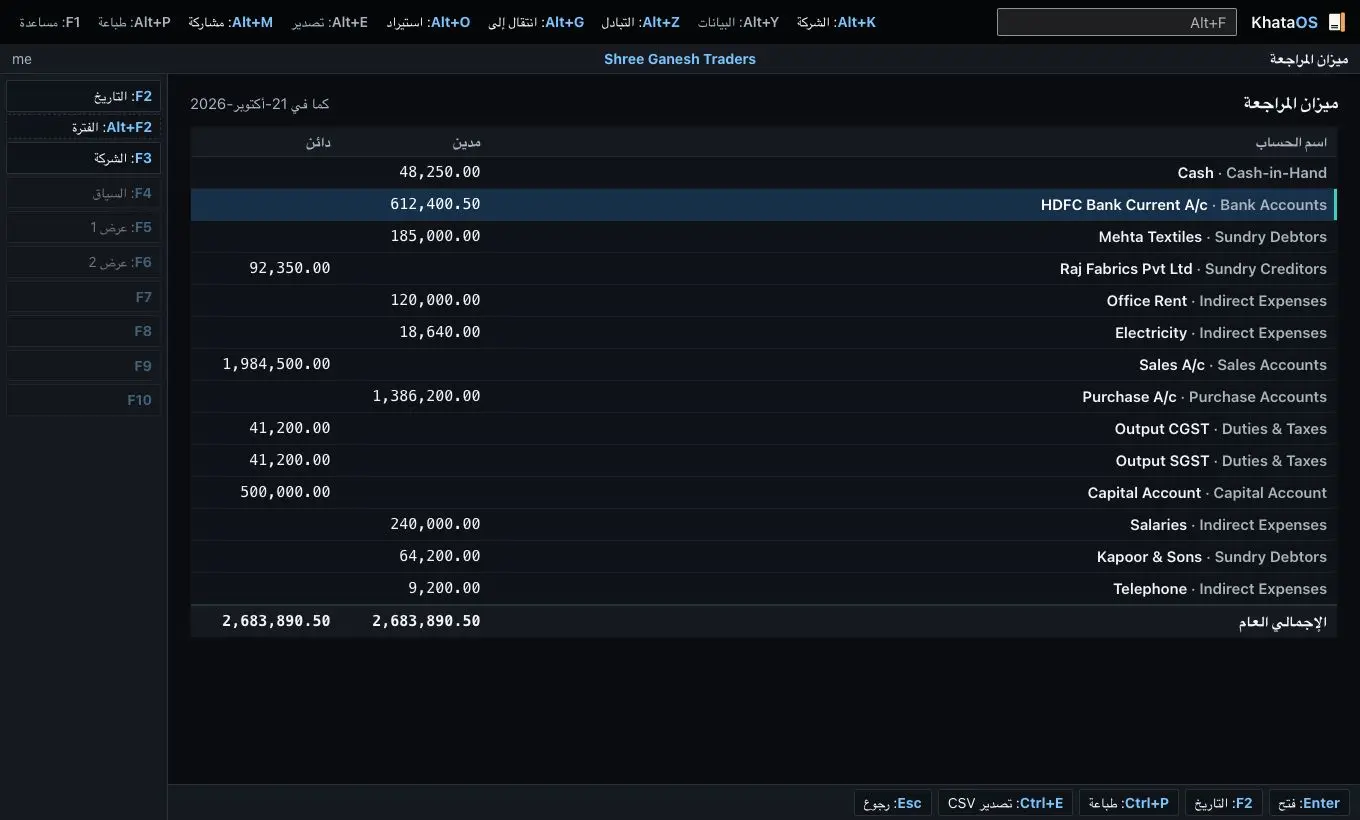
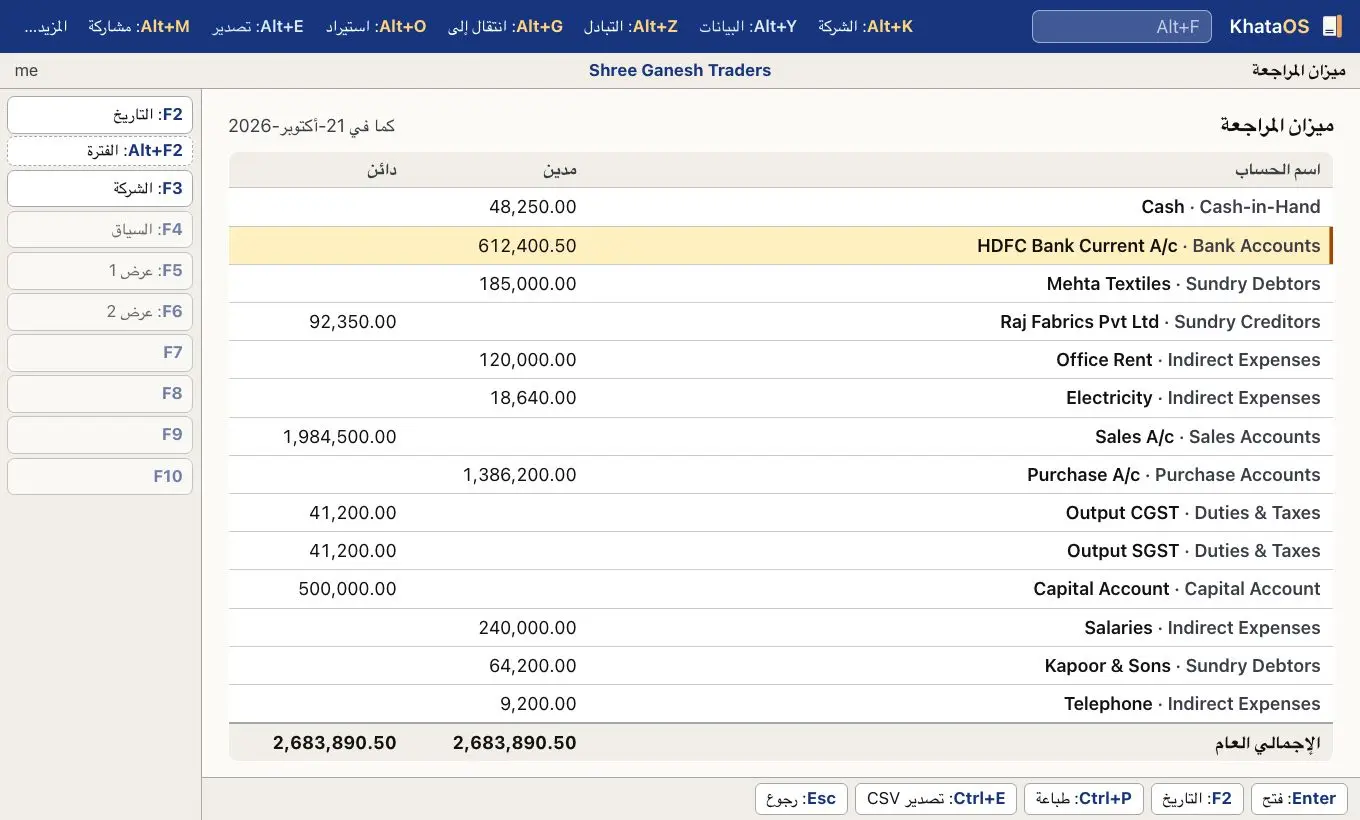
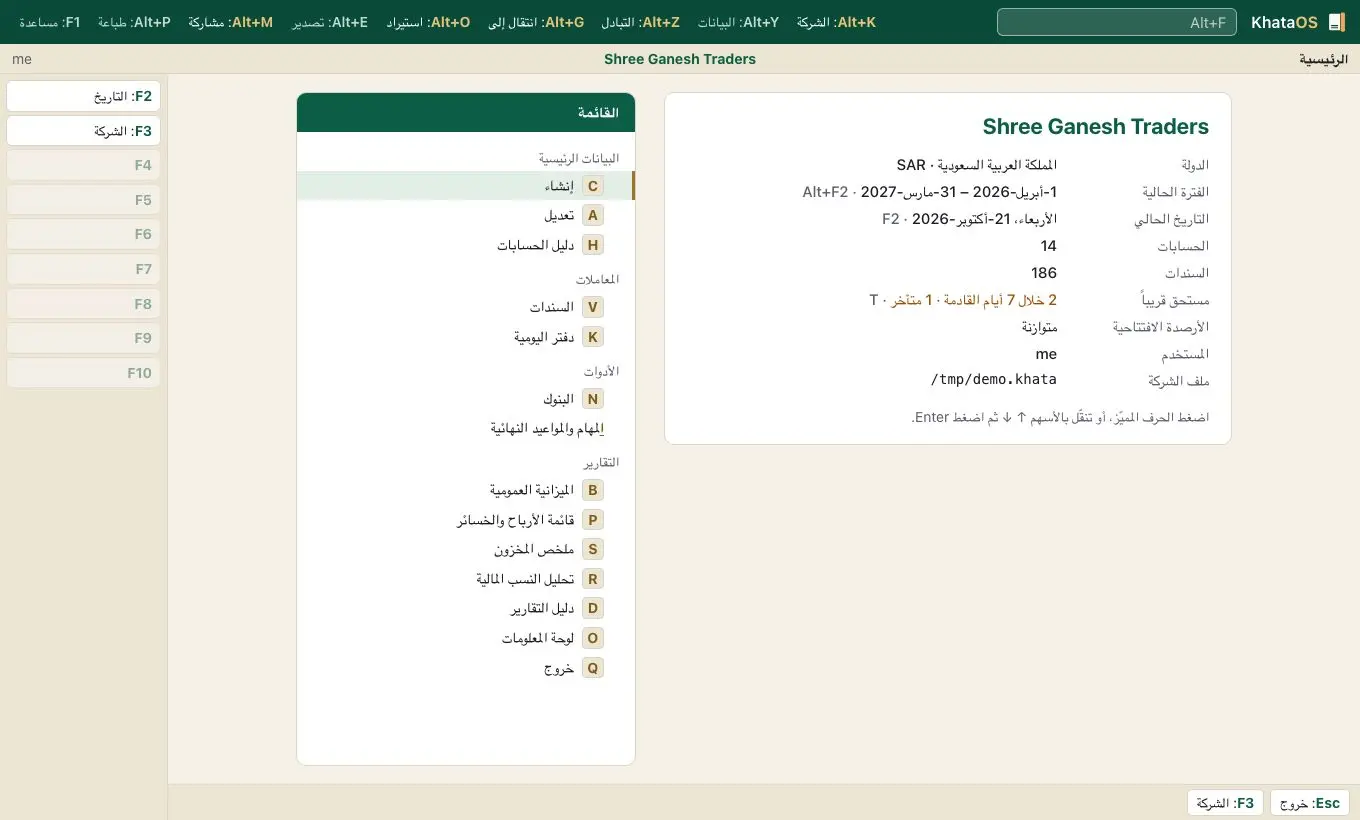
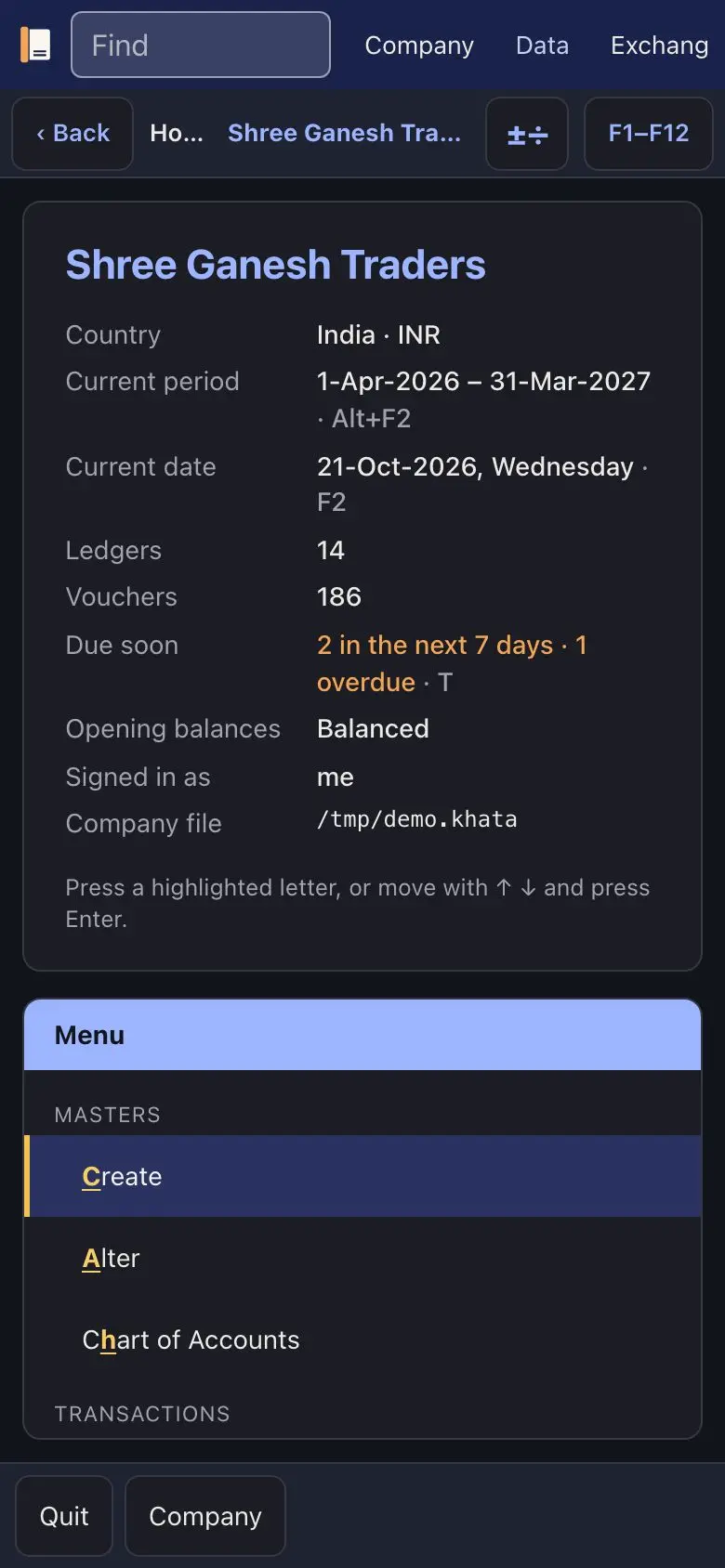
Four palettes drawn from local materials rather than flags. India: indigo and turmeric on sandal cream. Gulf: deep emerald and sand with muted gold. United Kingdom: heritage navy and brick red on stone. East Asia and Singapore: deep teal with lacquer red, and blue and orange for profit and loss, because red means up on East Asian markets. KhataOS picks the palette from the company's country, or you choose one.
Find the one that fits.
Every theme ships in the app. Download KhataOS and try them on a test company.